Fix a missed punch before payroll sees it.
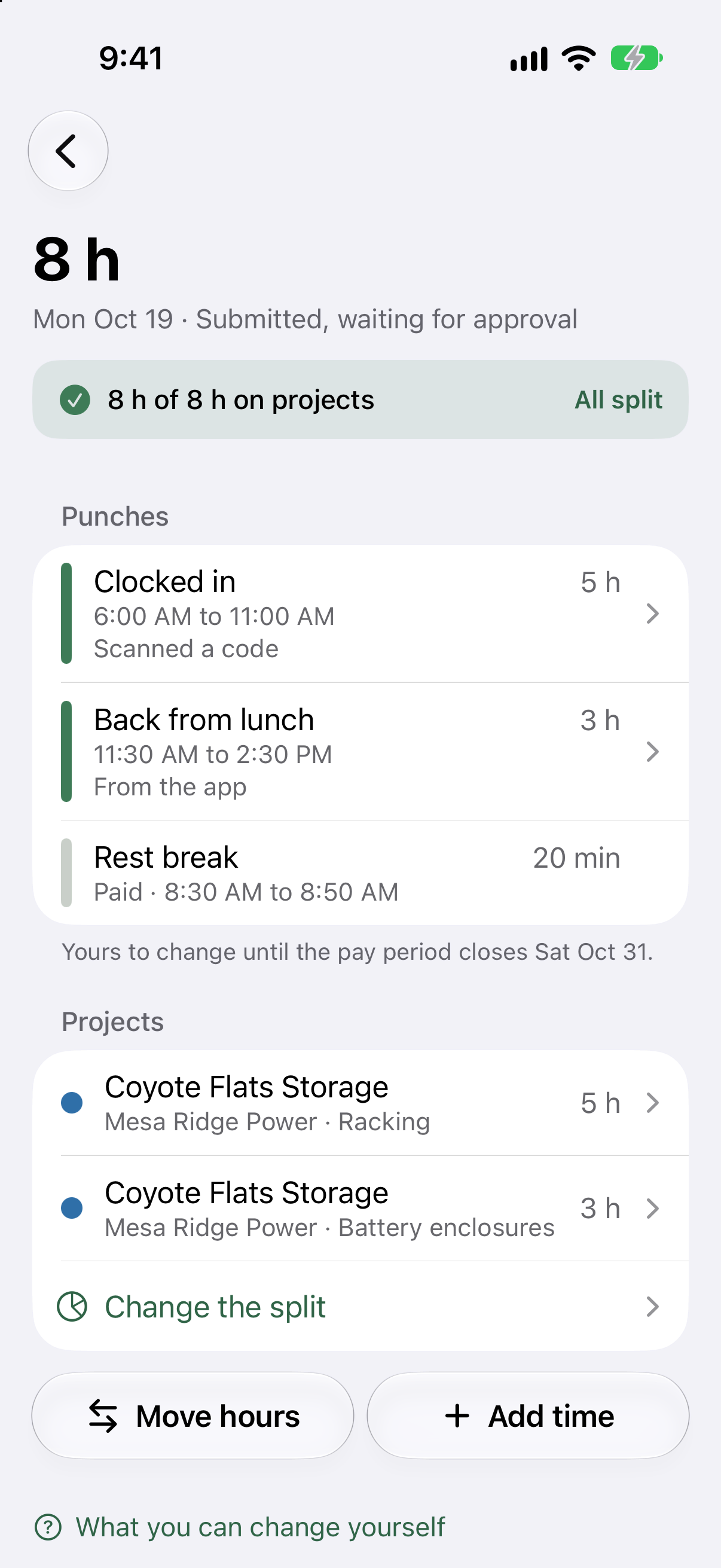
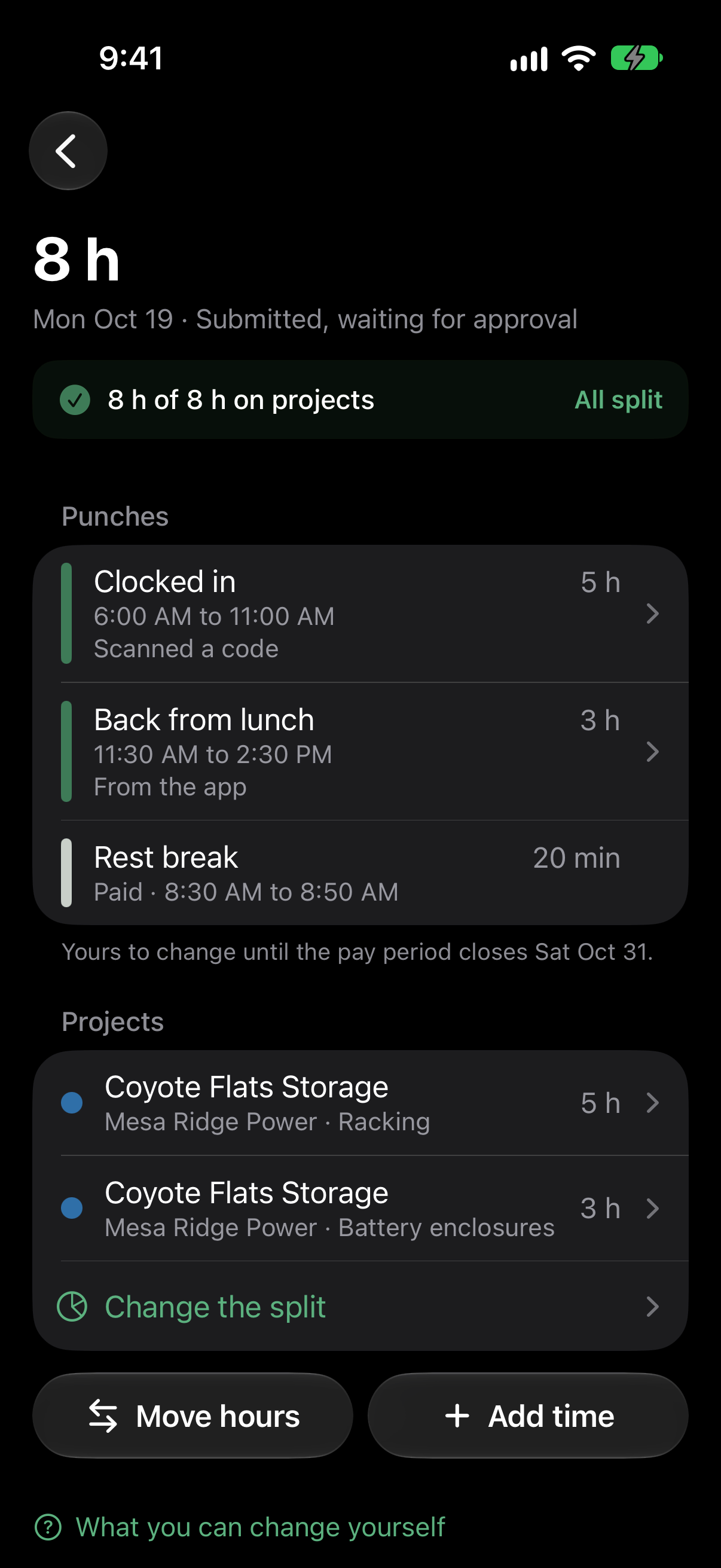
Each day of the pay period shows its hours and whether it is submitted. People fix their own days until the period closes.
See timesheets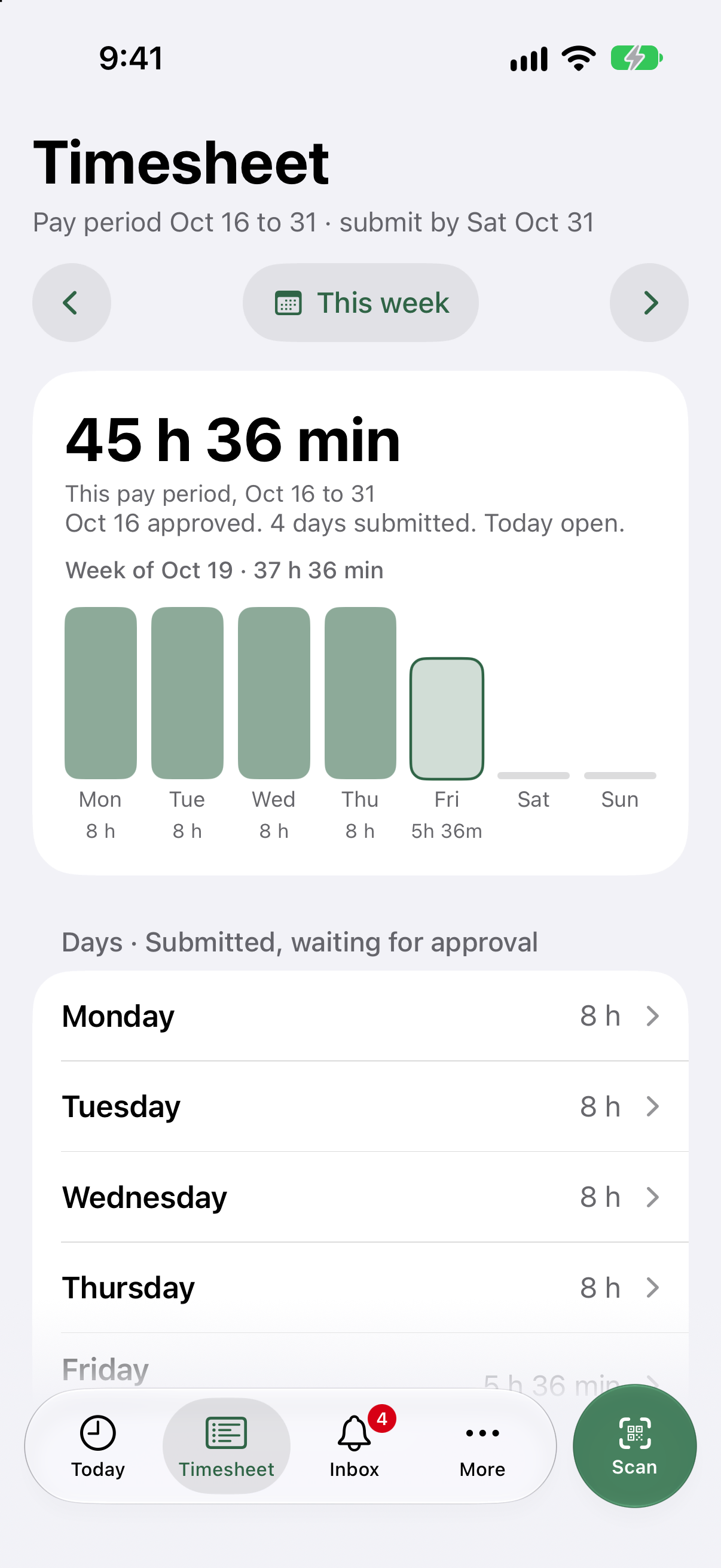
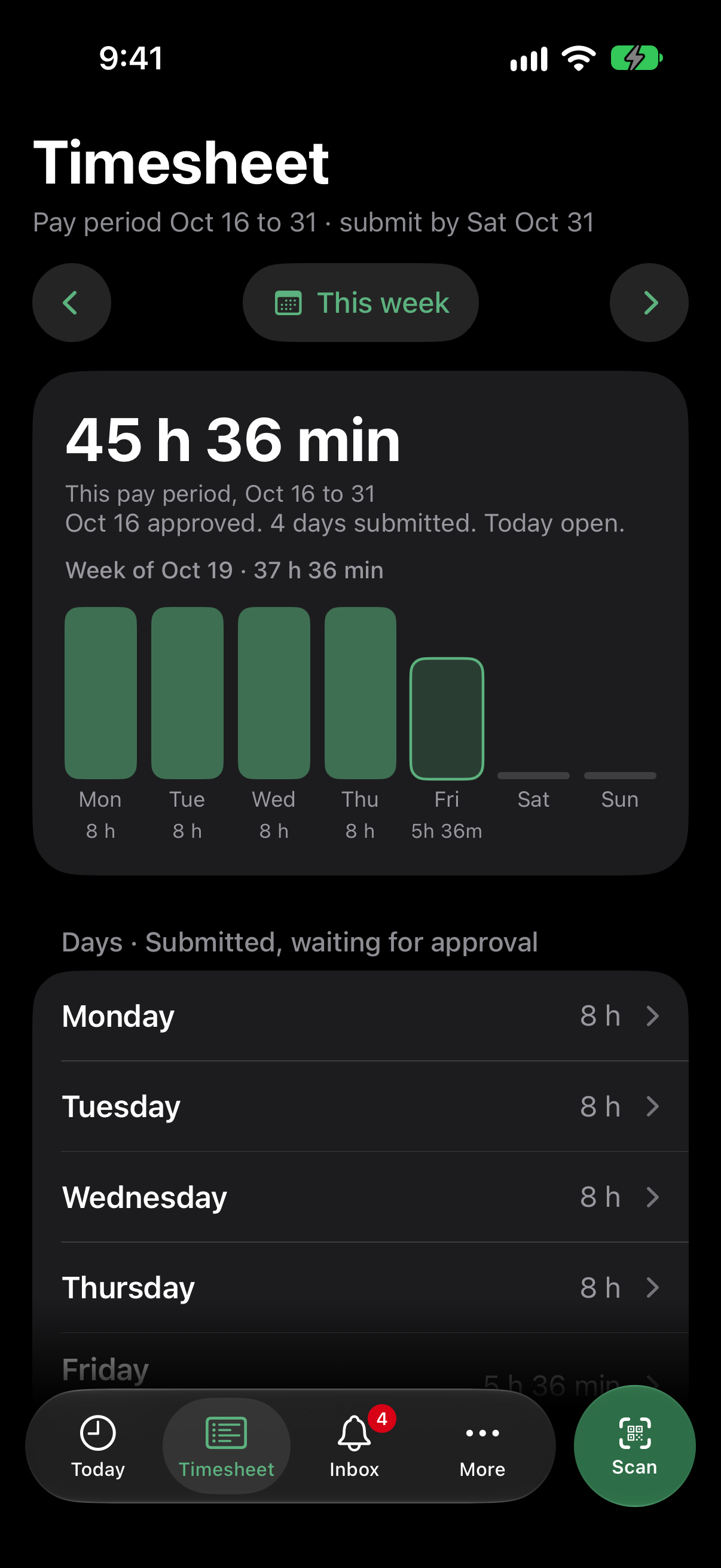
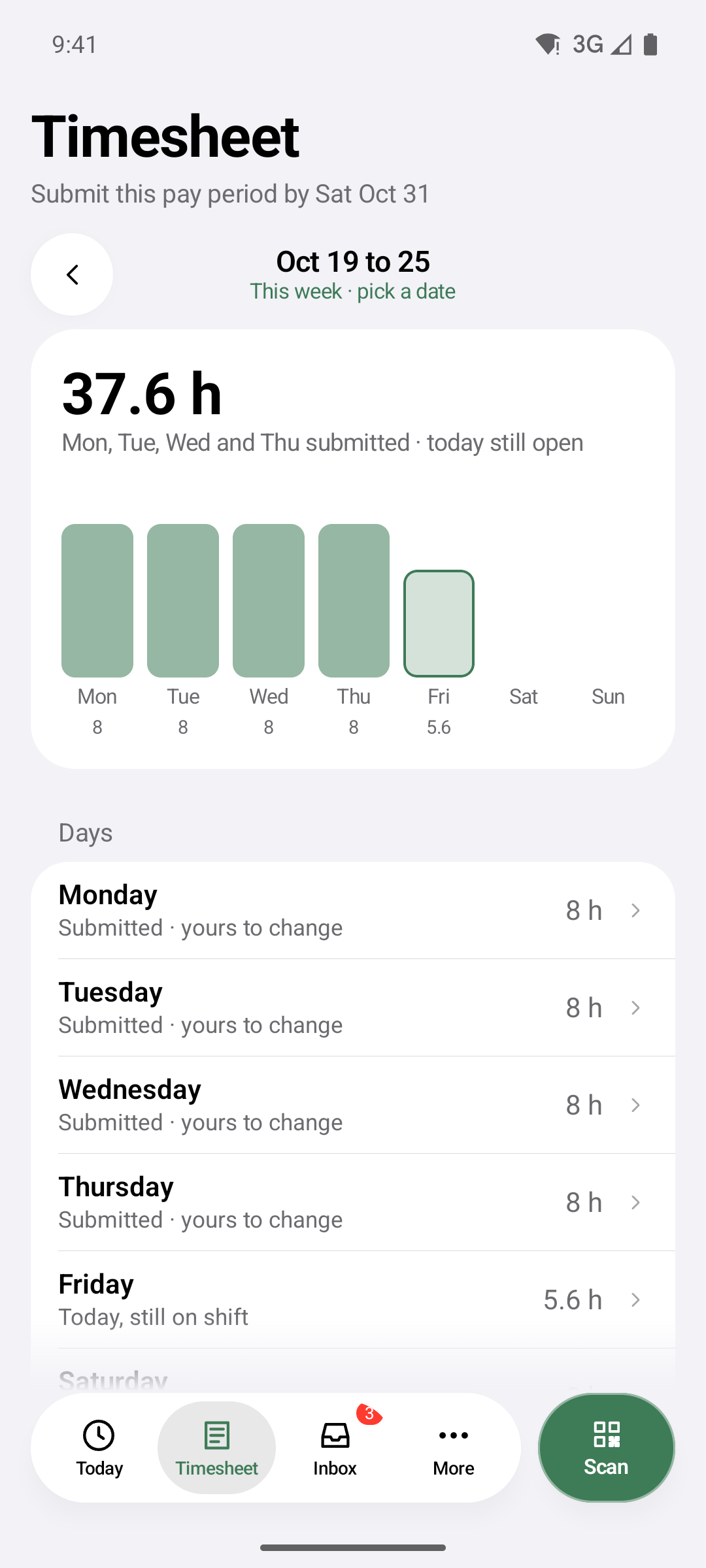
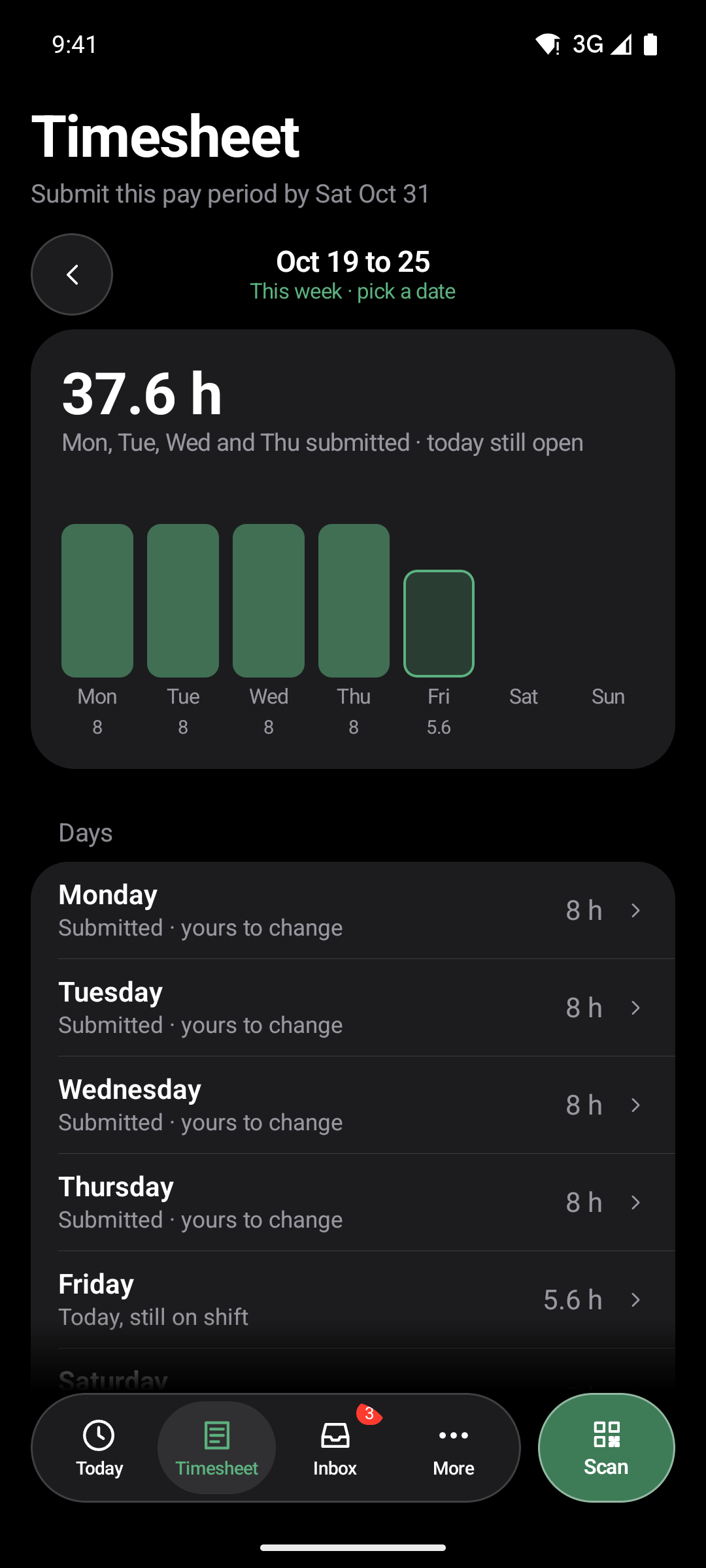
The Oh! Thyme app for iPhone and Android. Crews clock in with a tap, or on the Field plan with the code at the gate, see their own hours and ask for time off. Supervisors approve the week from a notification.
Your company invites each person by email, with one code for iPhone and one for Android.
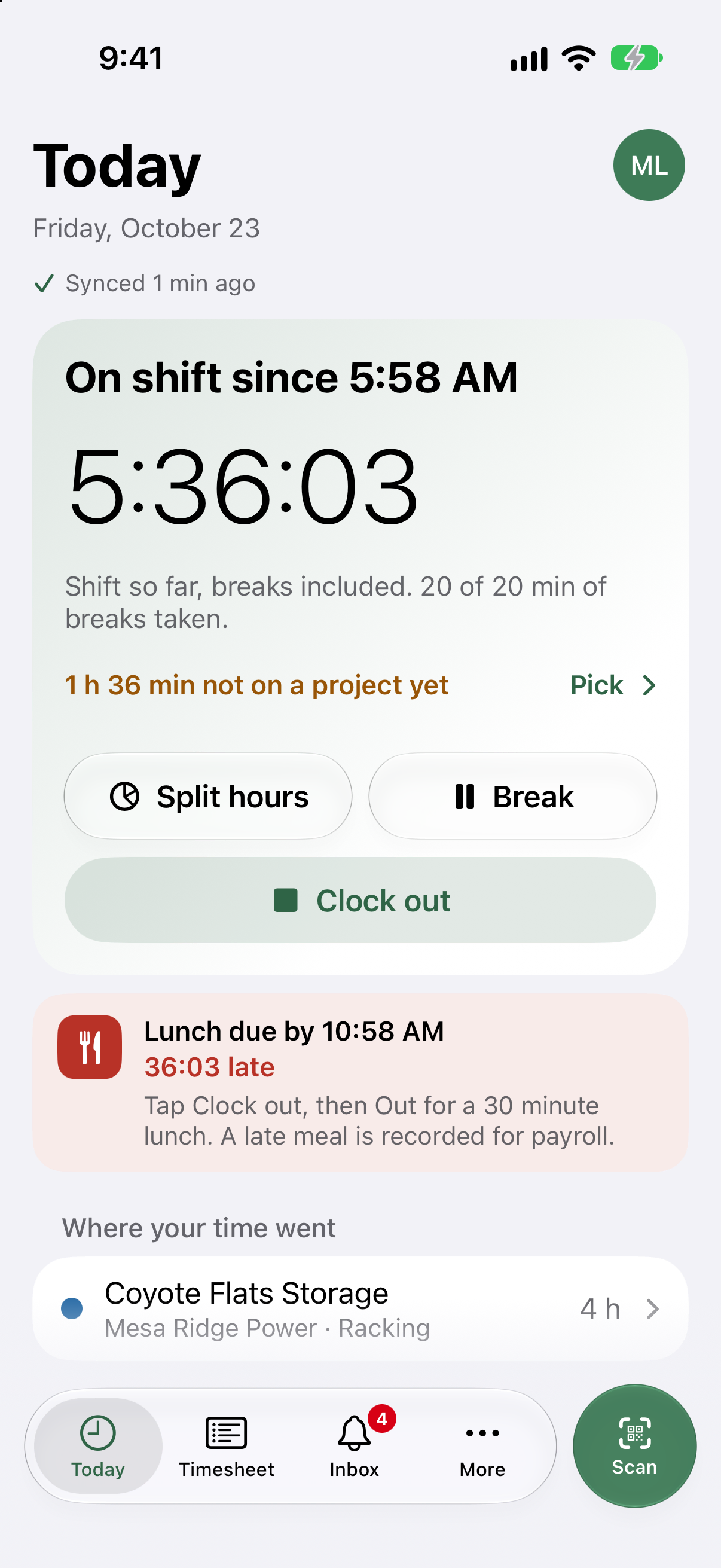
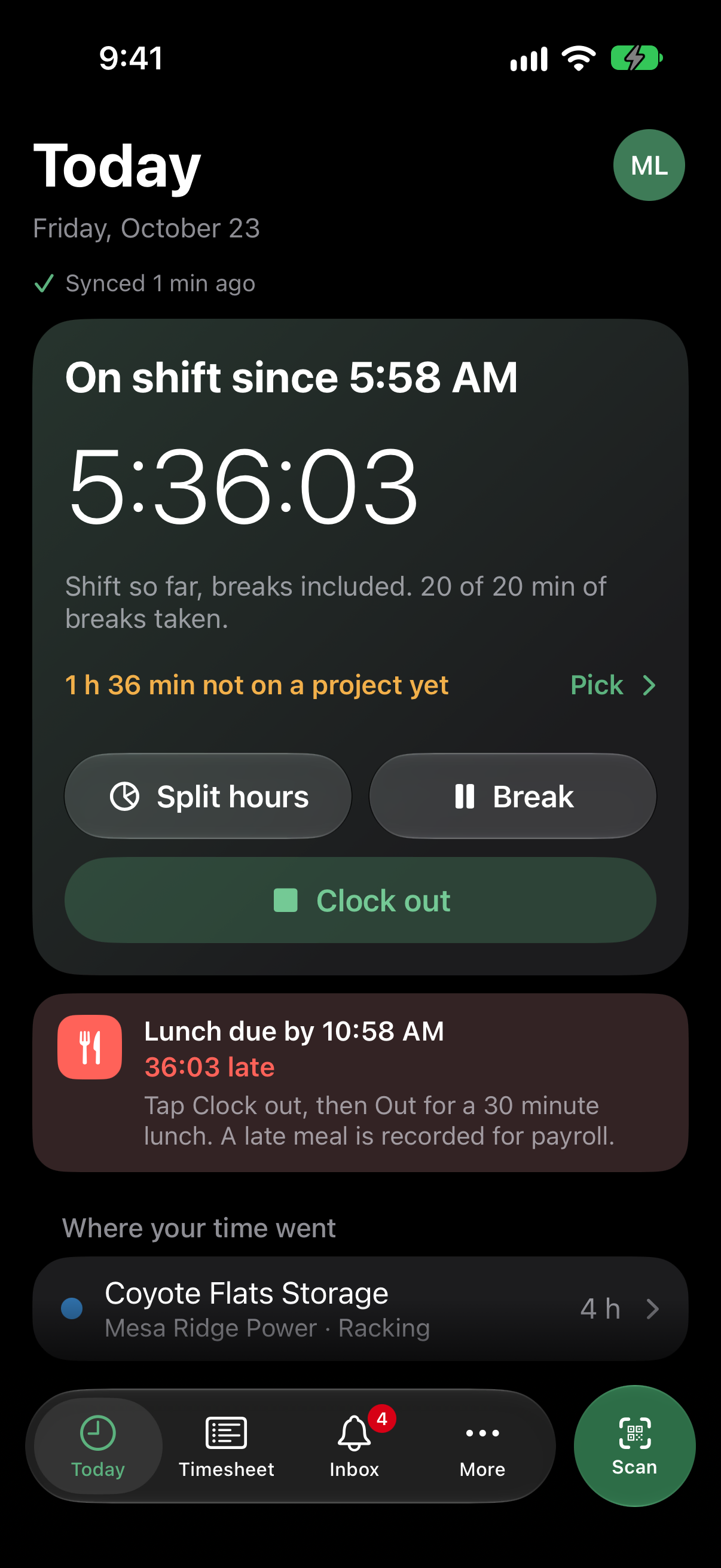
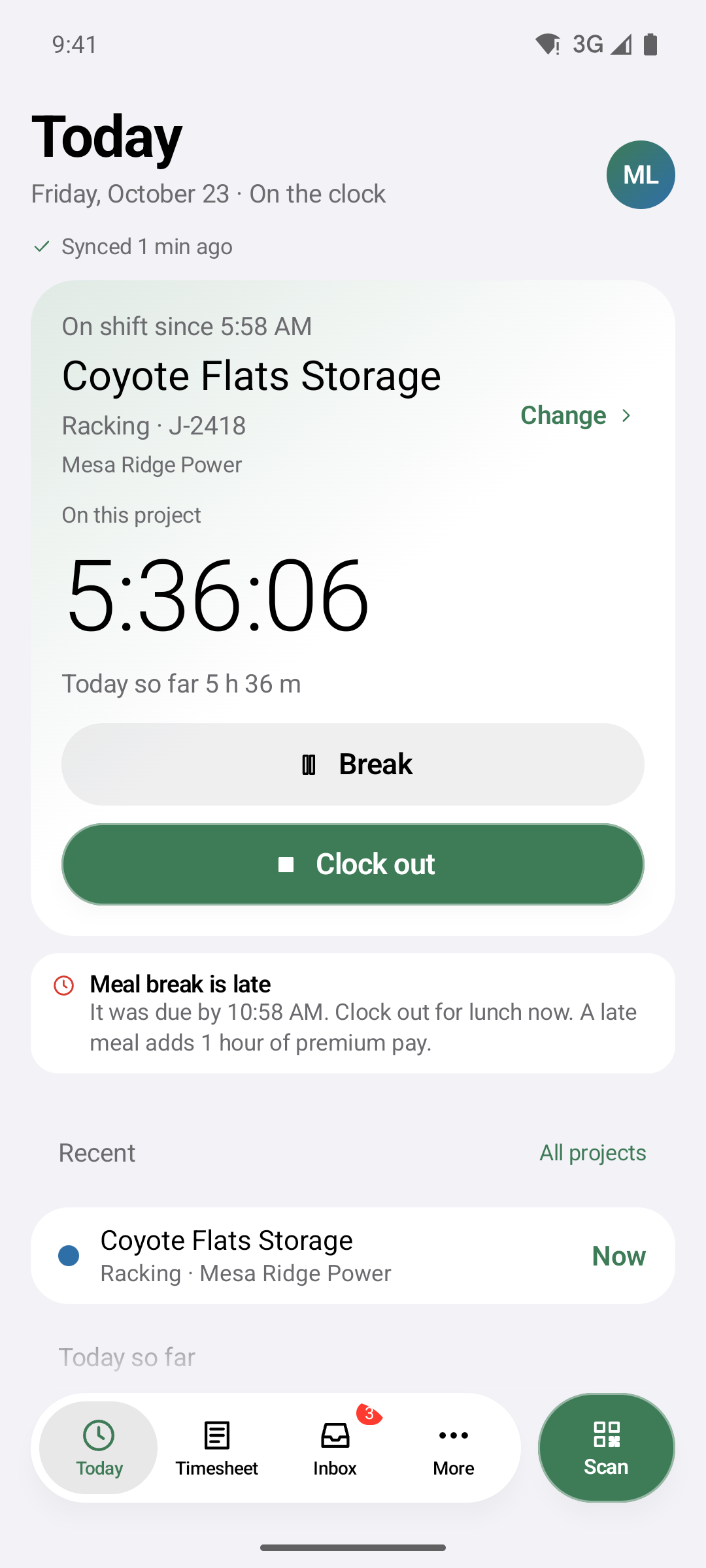
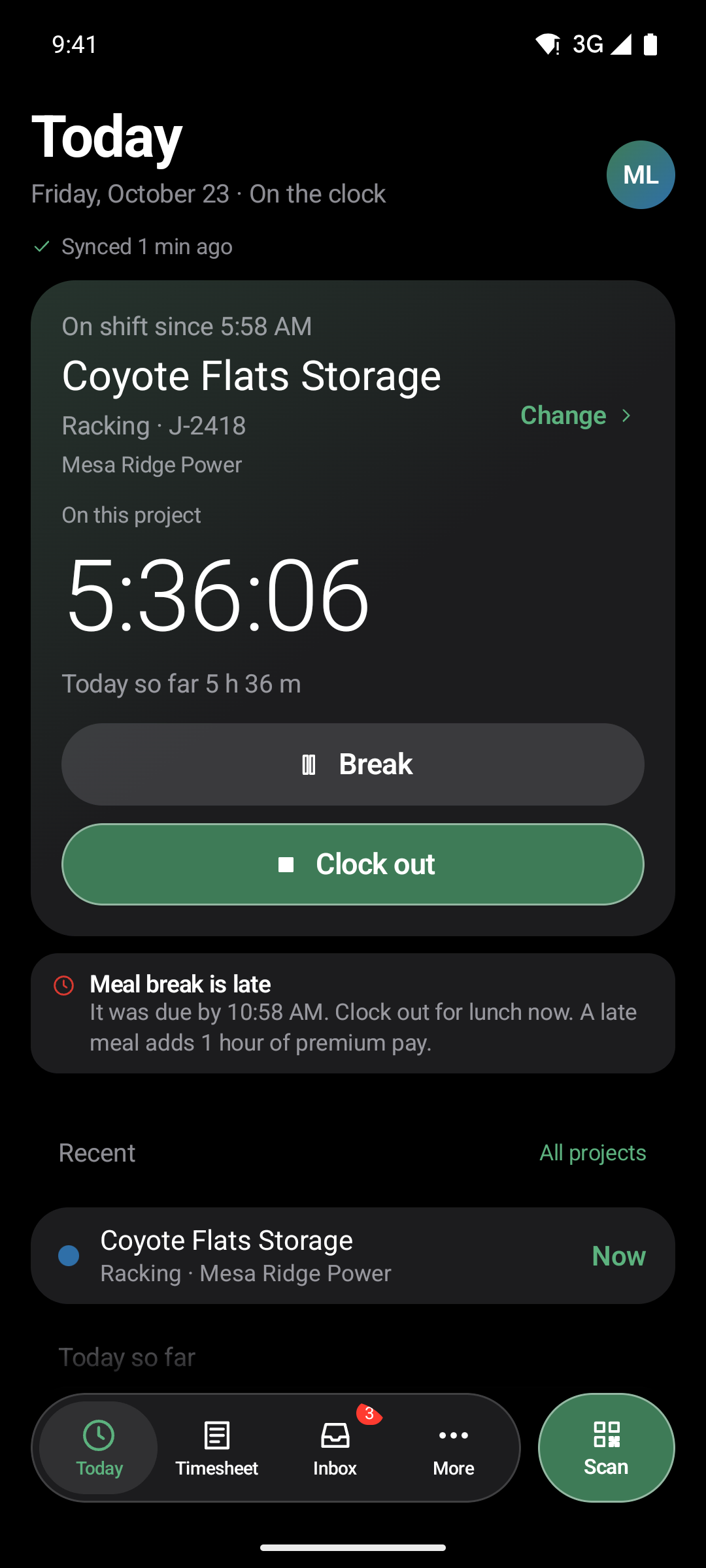
On the Field plan, the phone checks the code, says which site and task it clocks in to, and stops the last job as this one starts. No gap, no overlap.
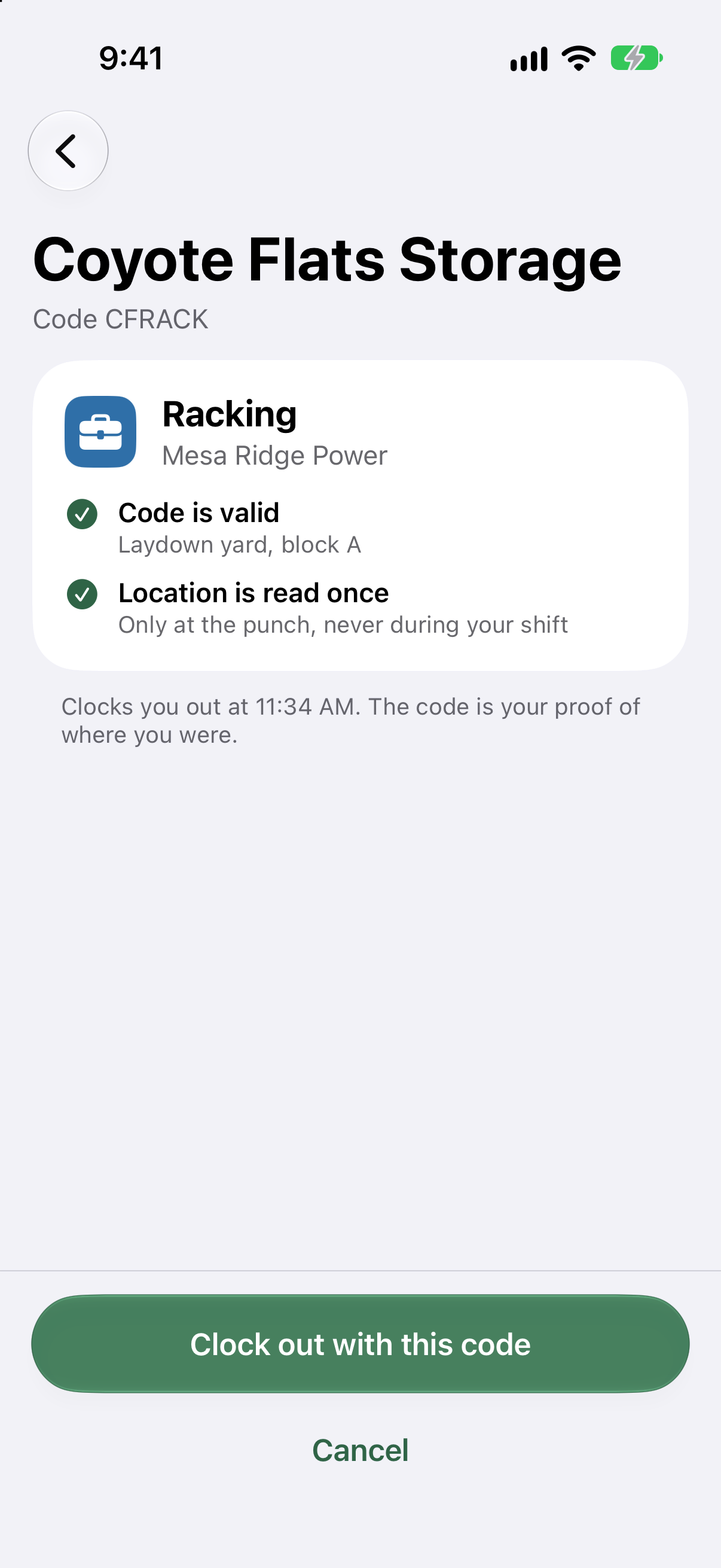
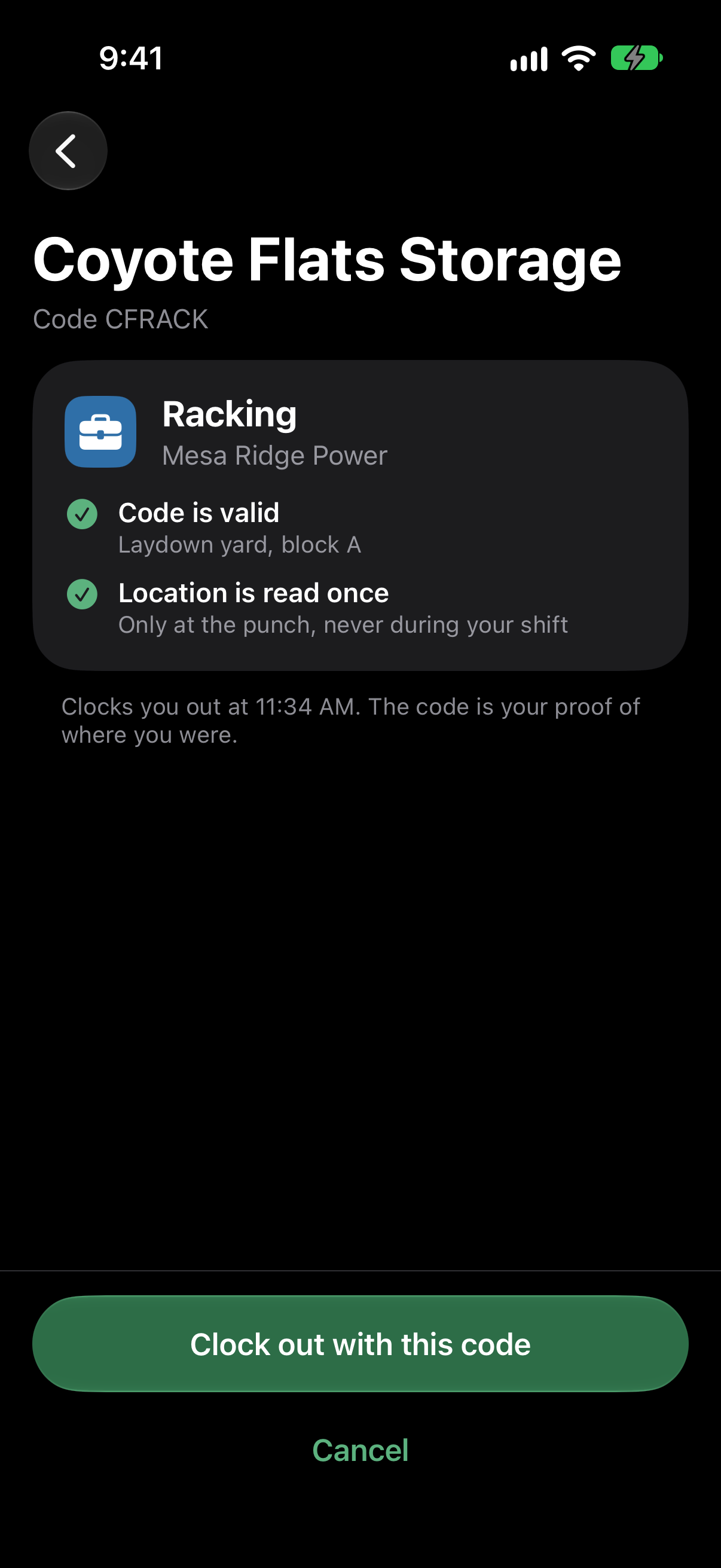
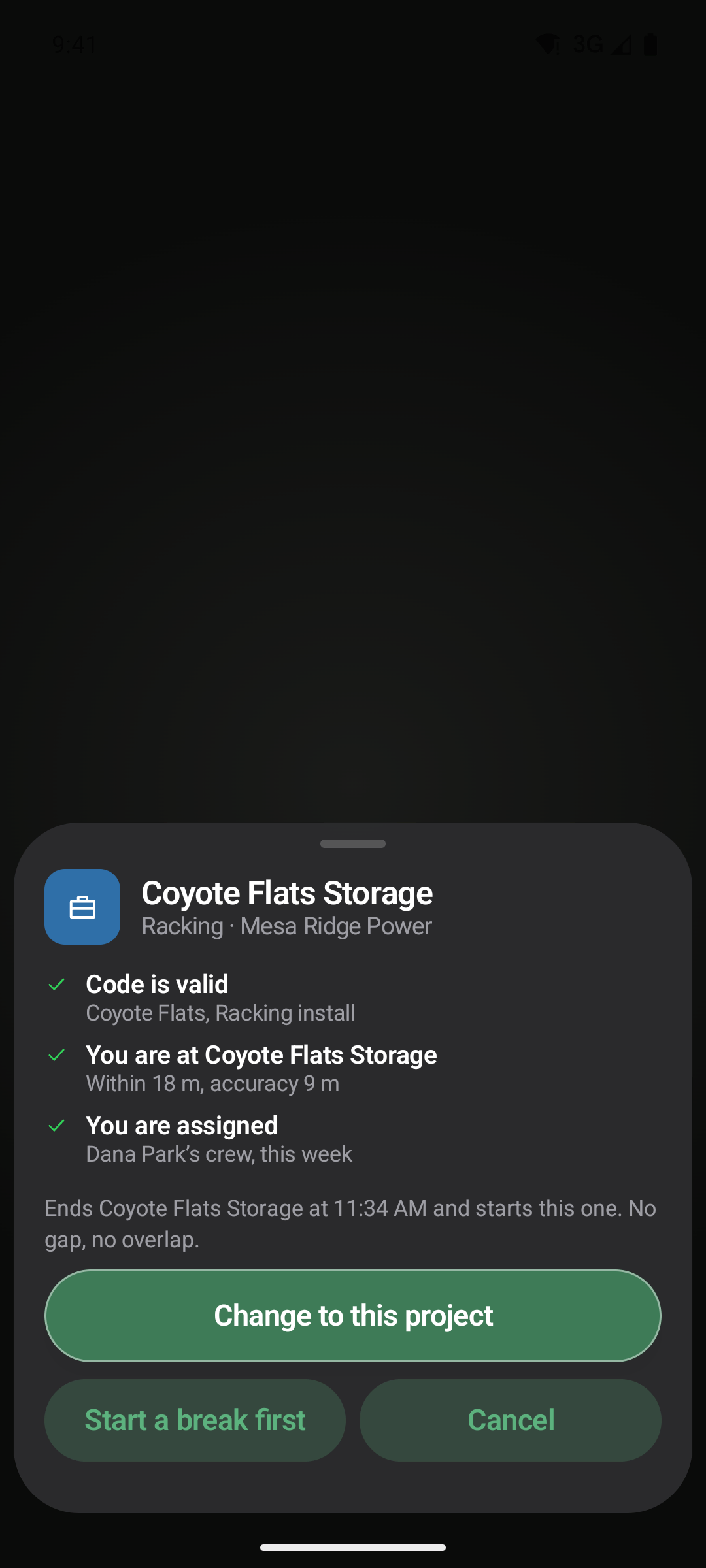
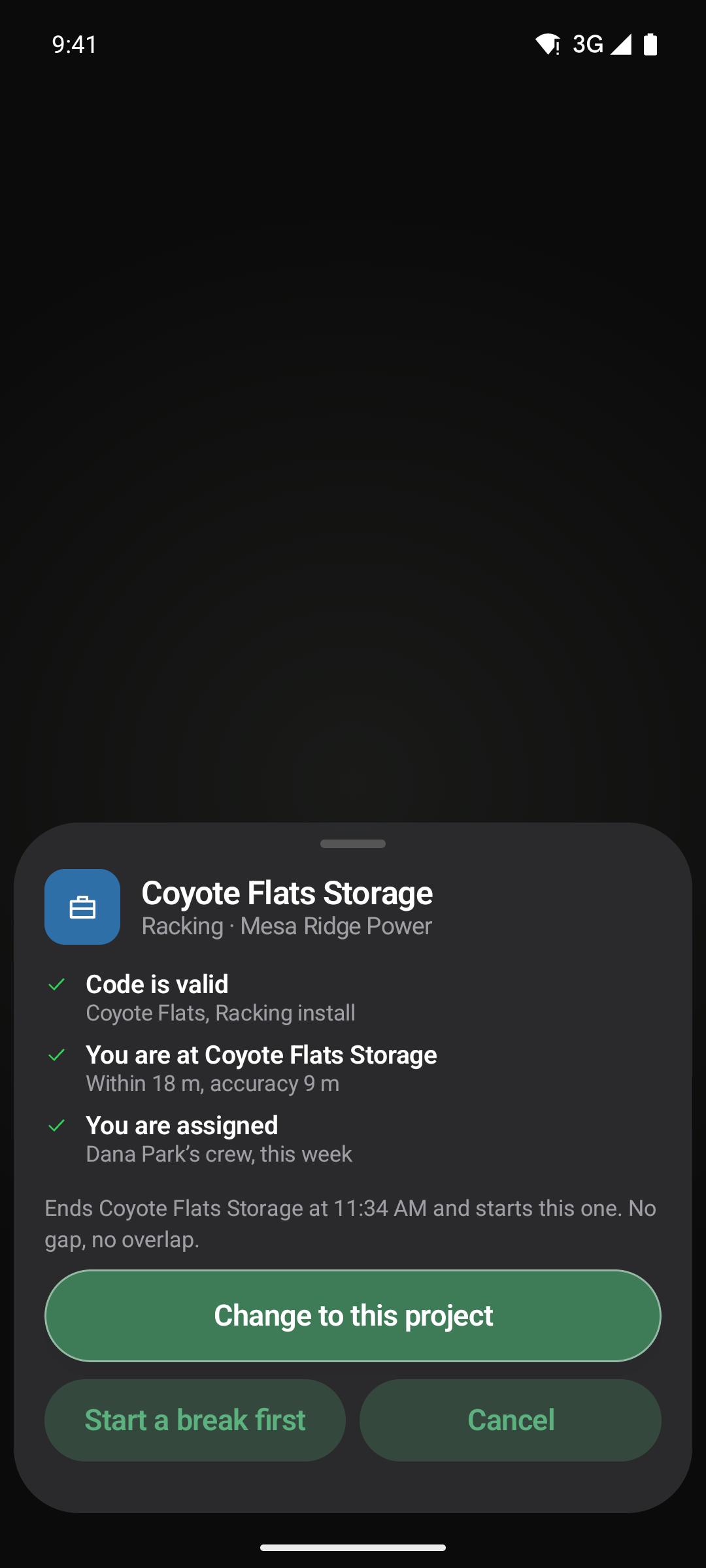
On the Field plan, each site has its own circle. A clock‑in outside it asks for a reason, and the supervisor sees it at the top of the list.
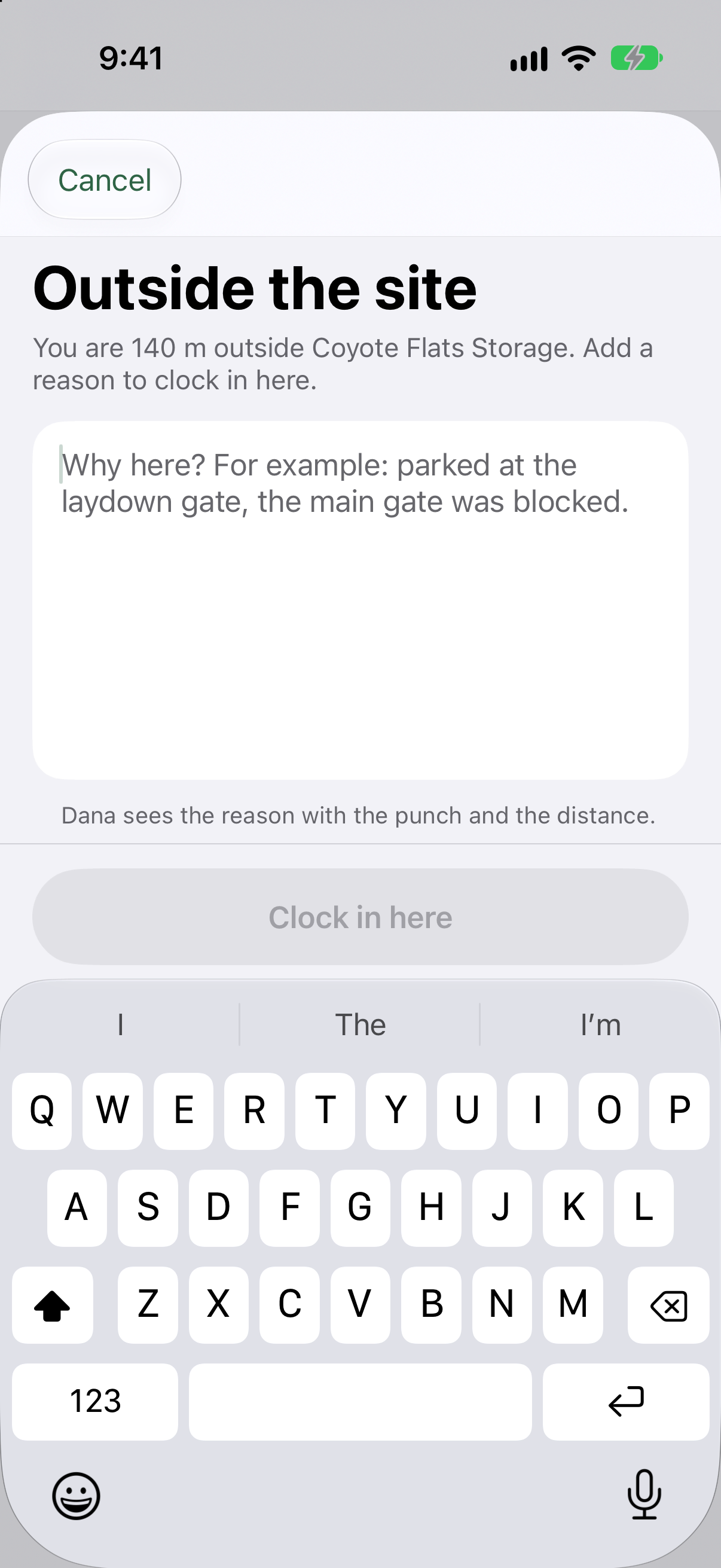
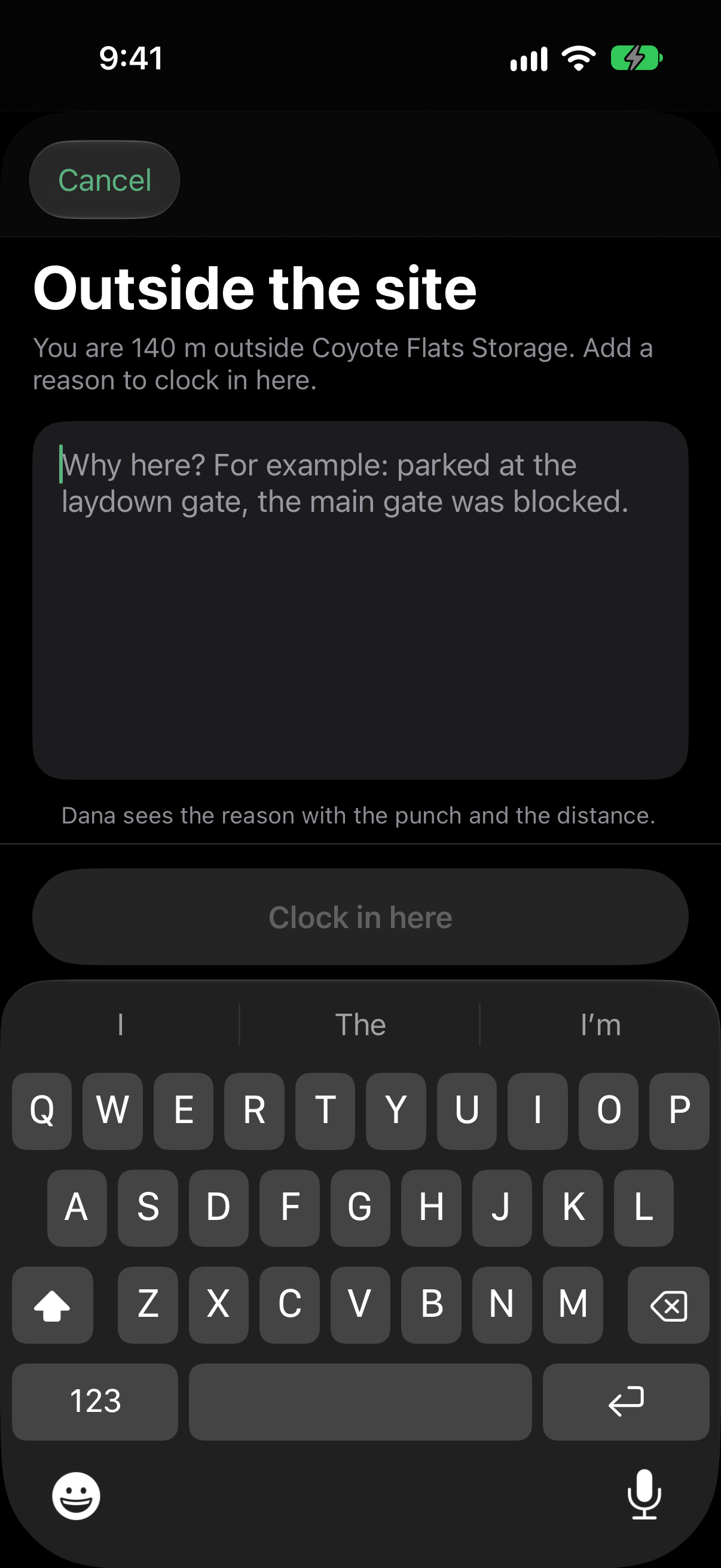
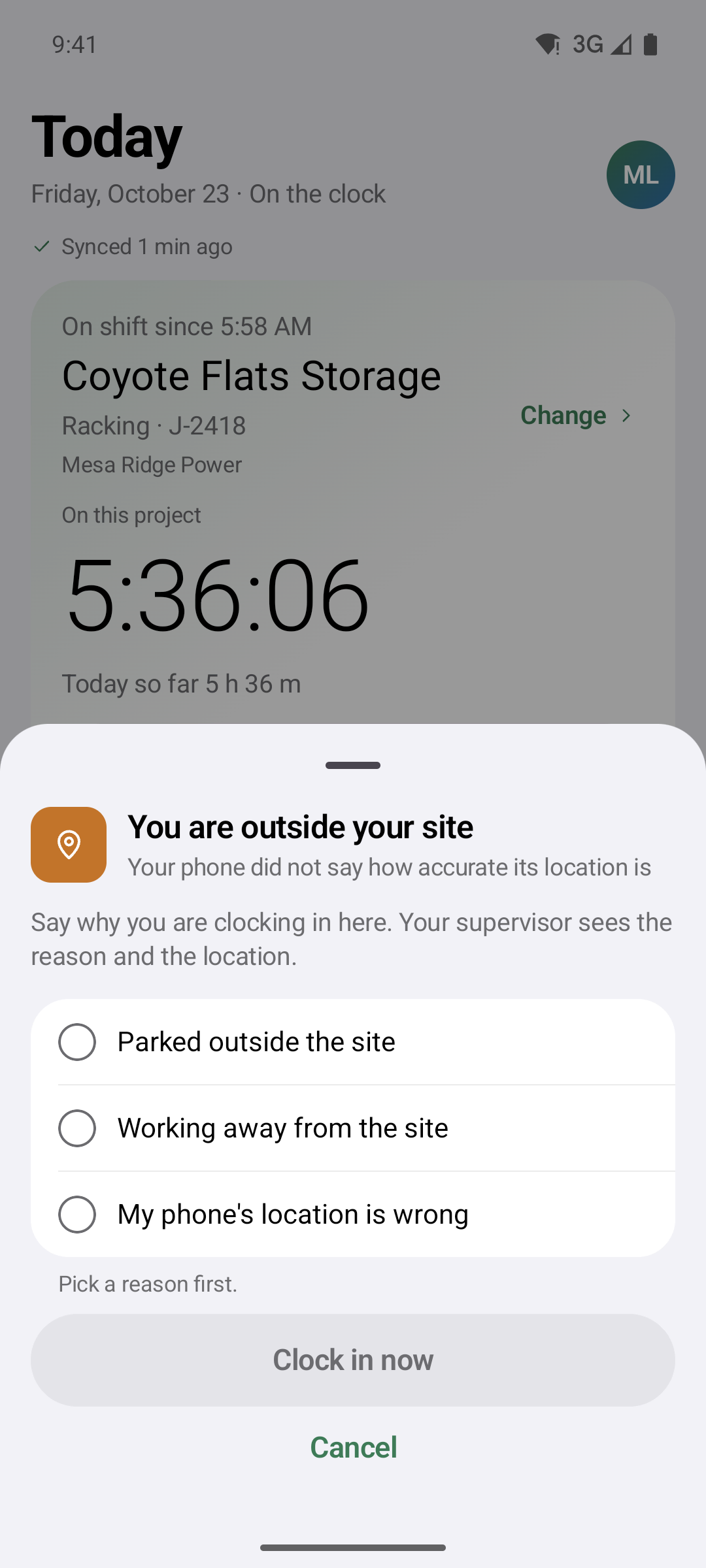
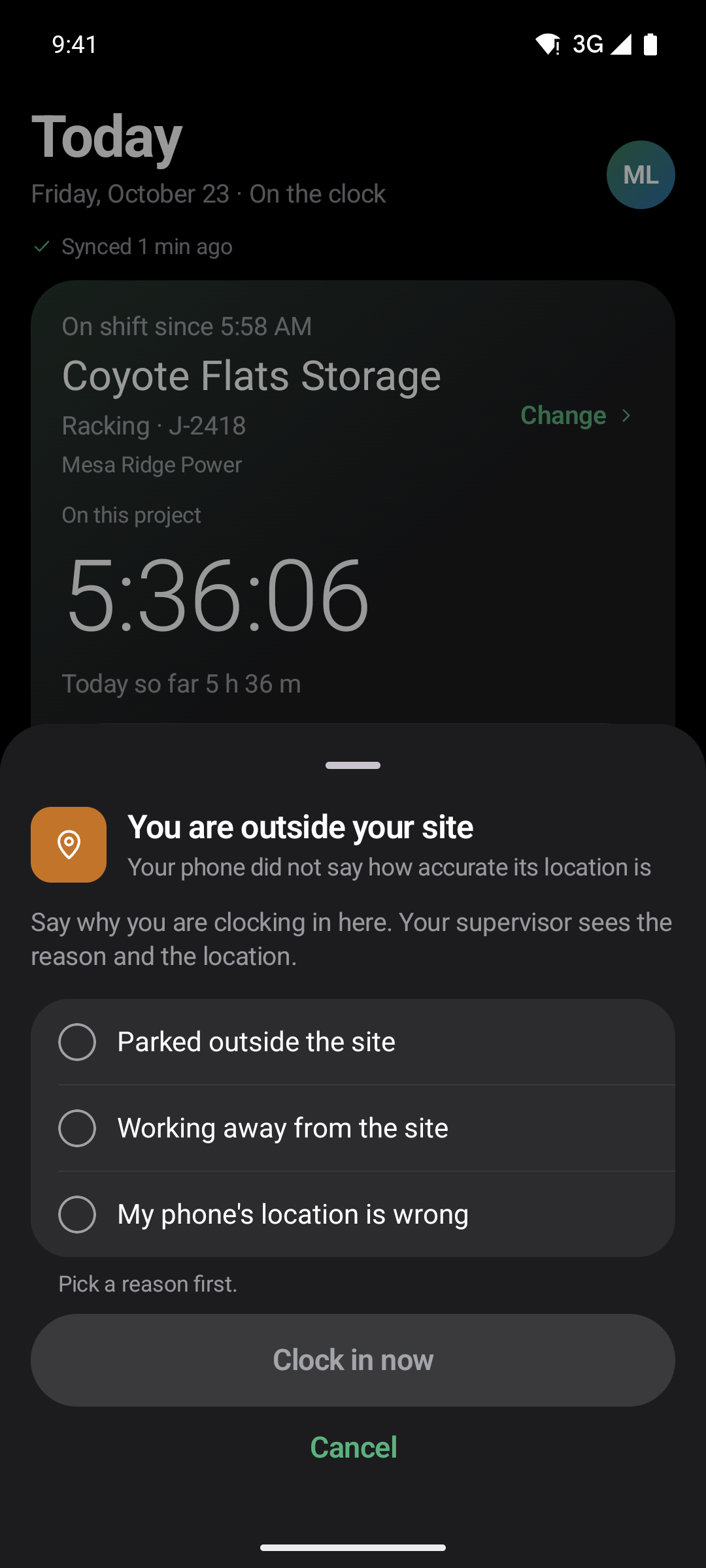
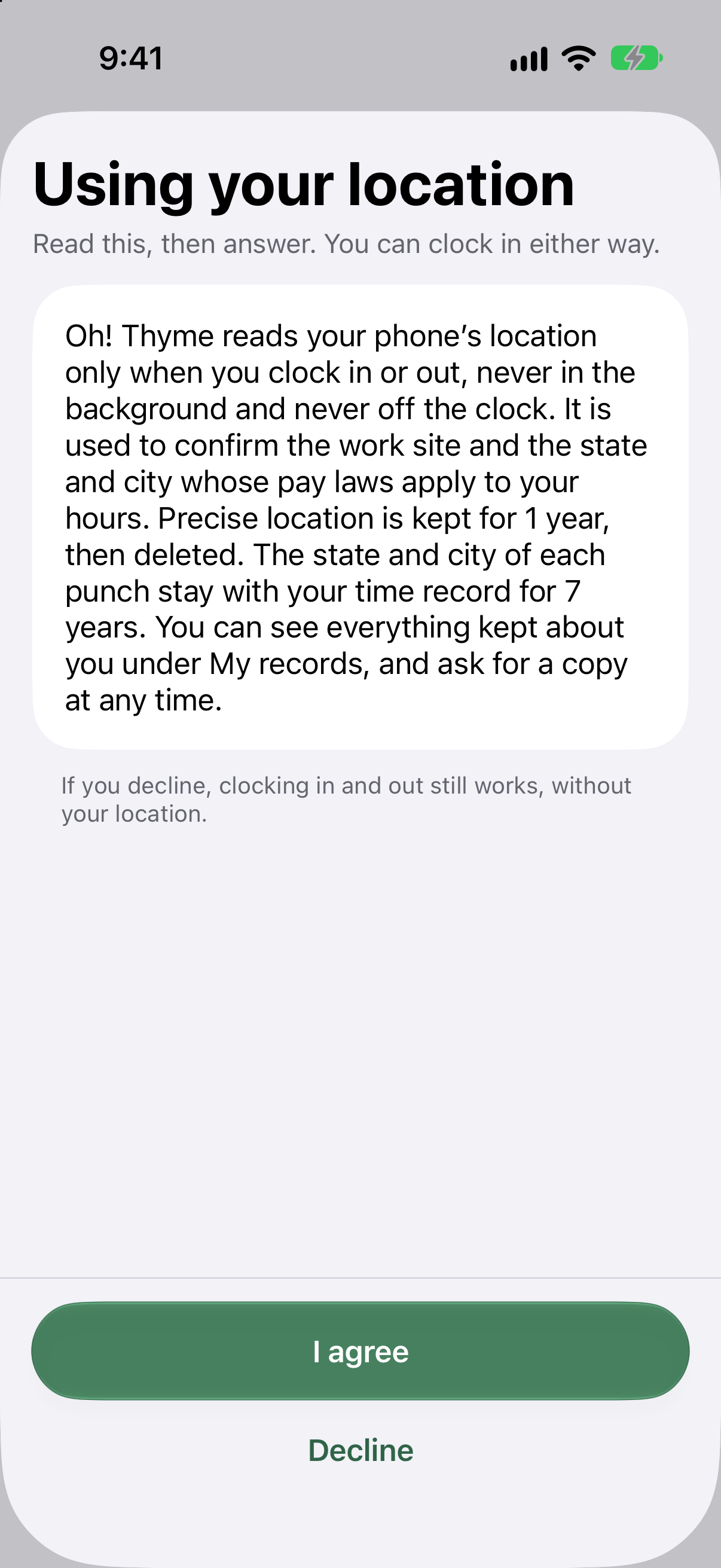
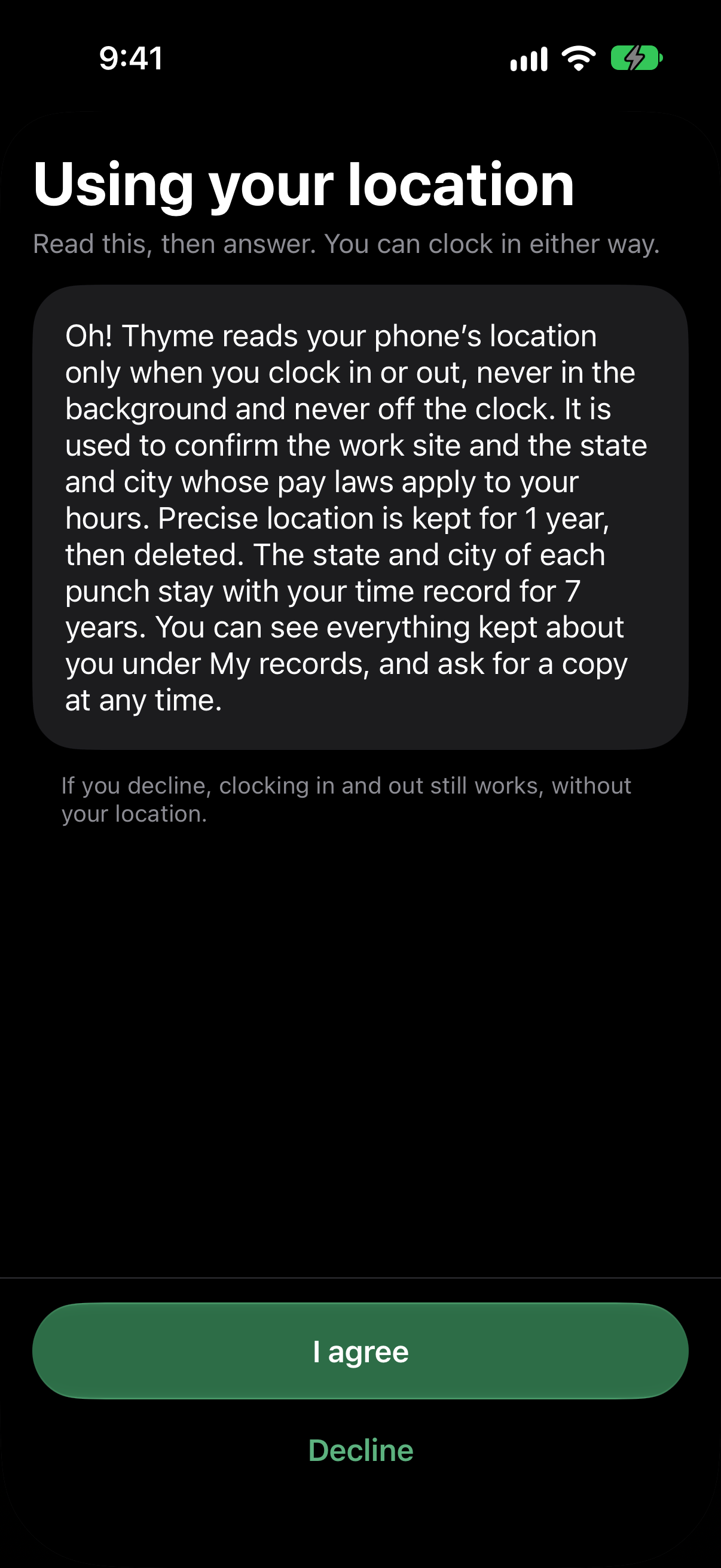
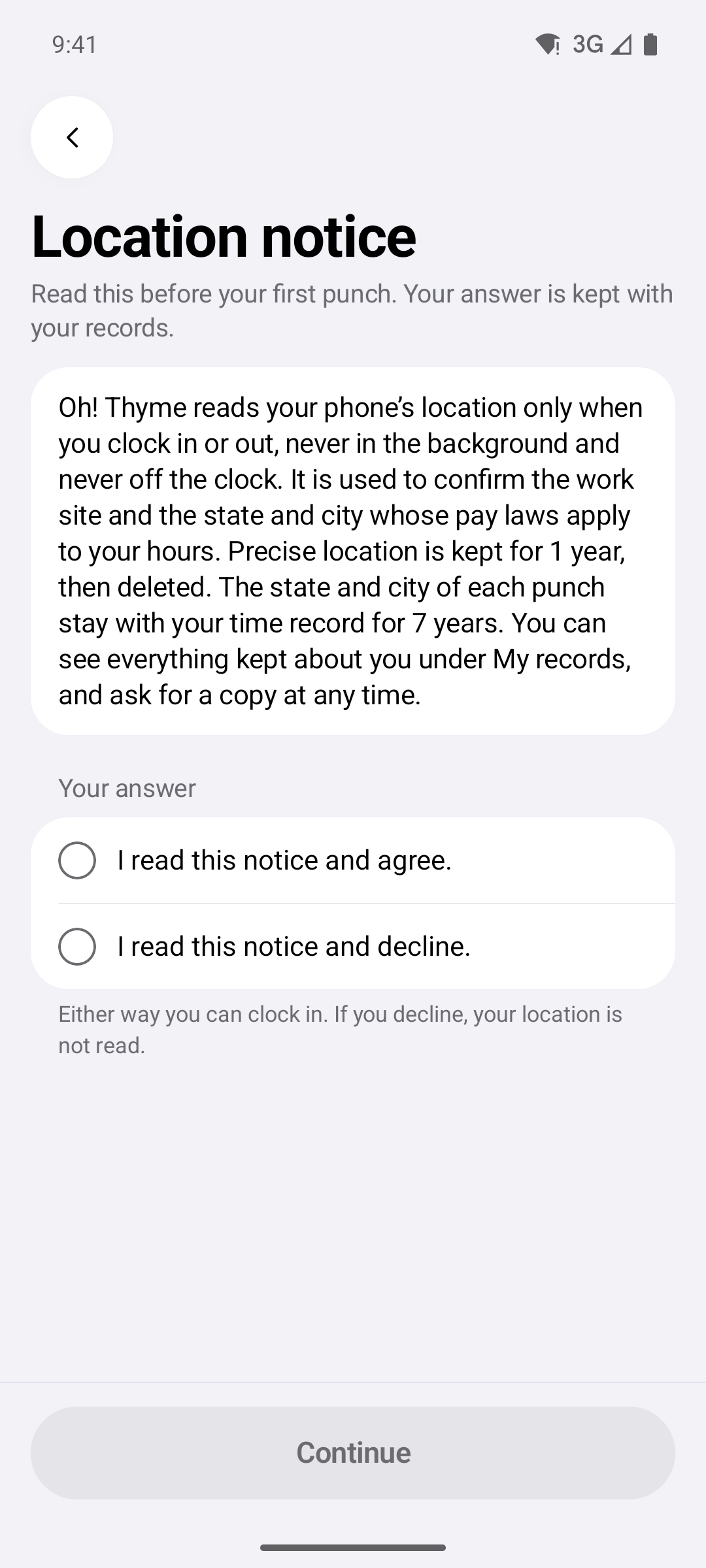
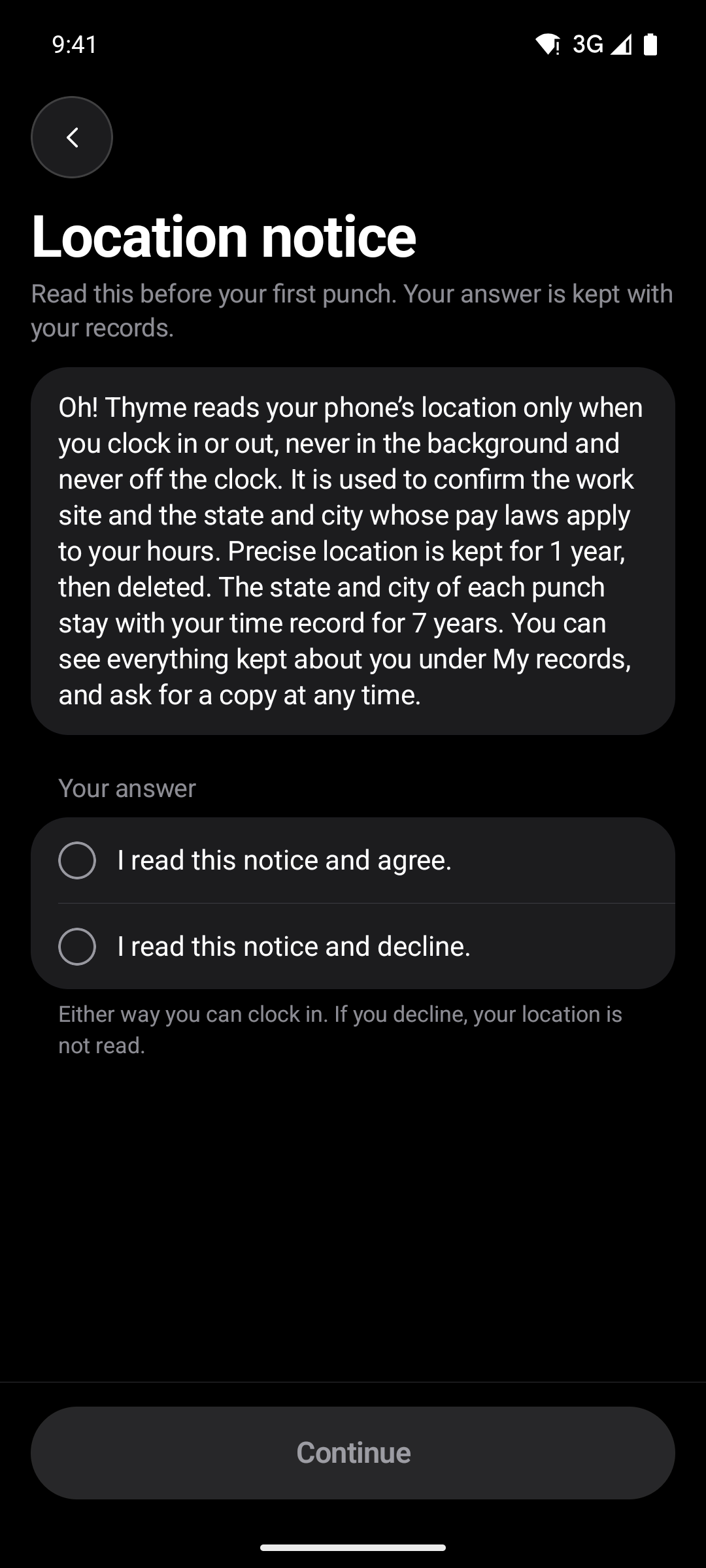
The first clock‑in shows the location notice: the phone is read when someone clocks in or out, never in the background and never off the clock.
Each day of the pay period shows its hours and whether it is submitted. People fix their own days until the period closes.
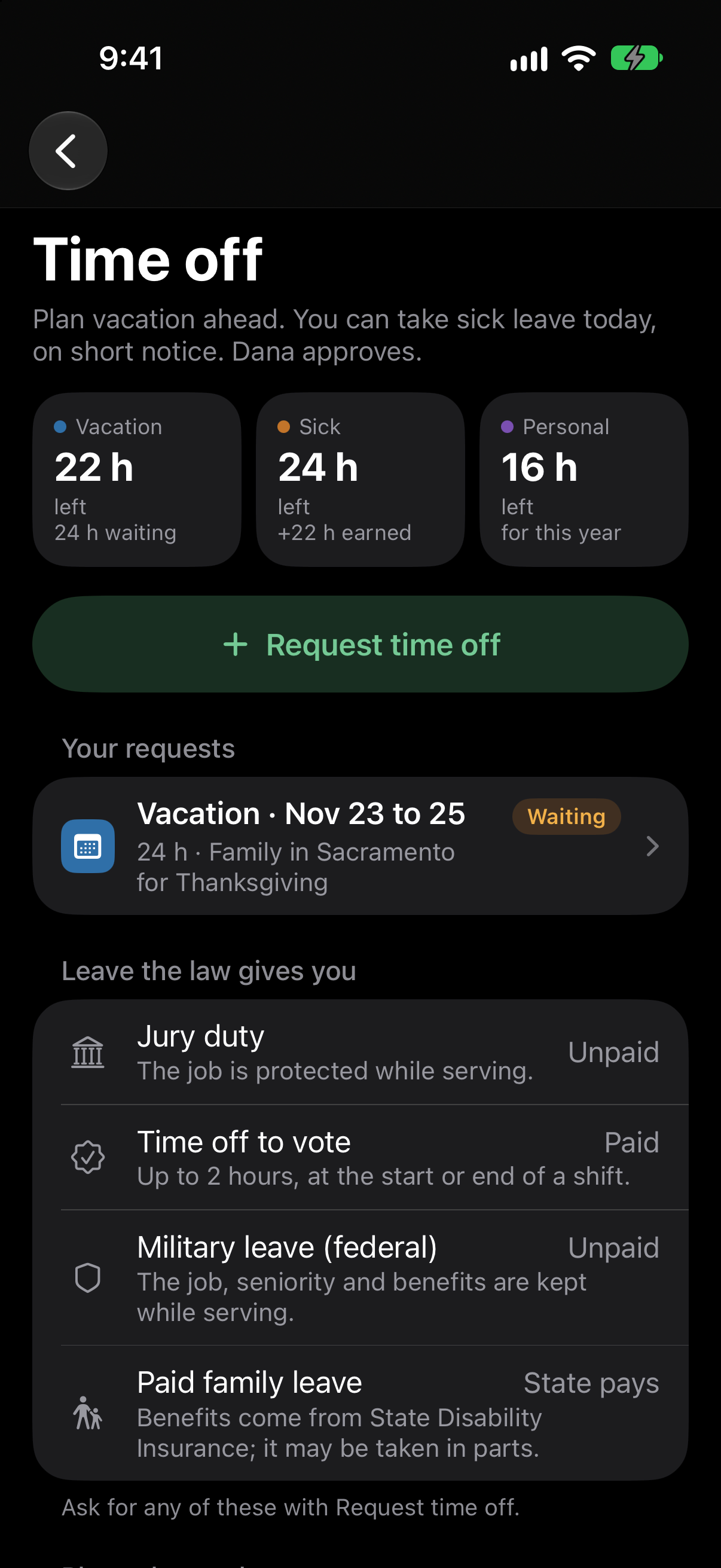
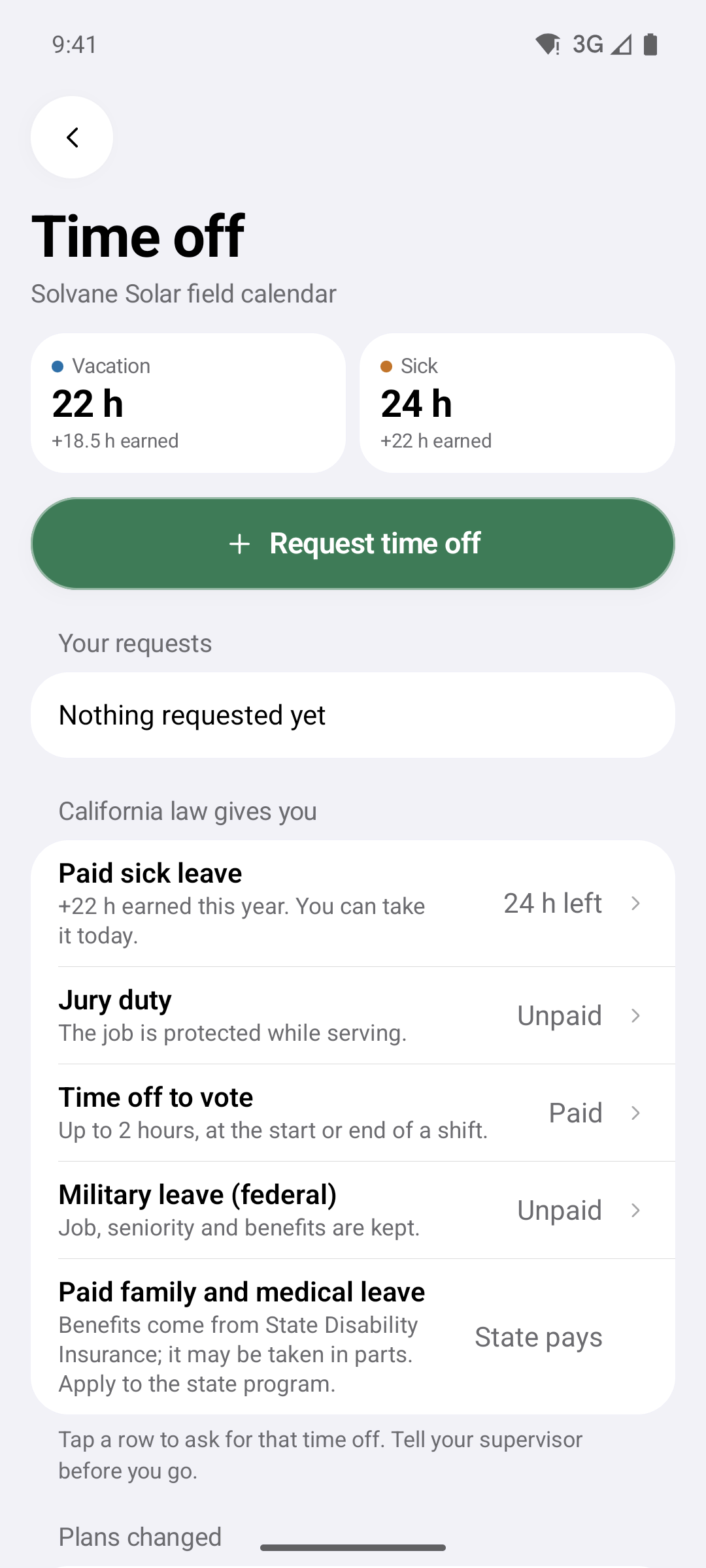
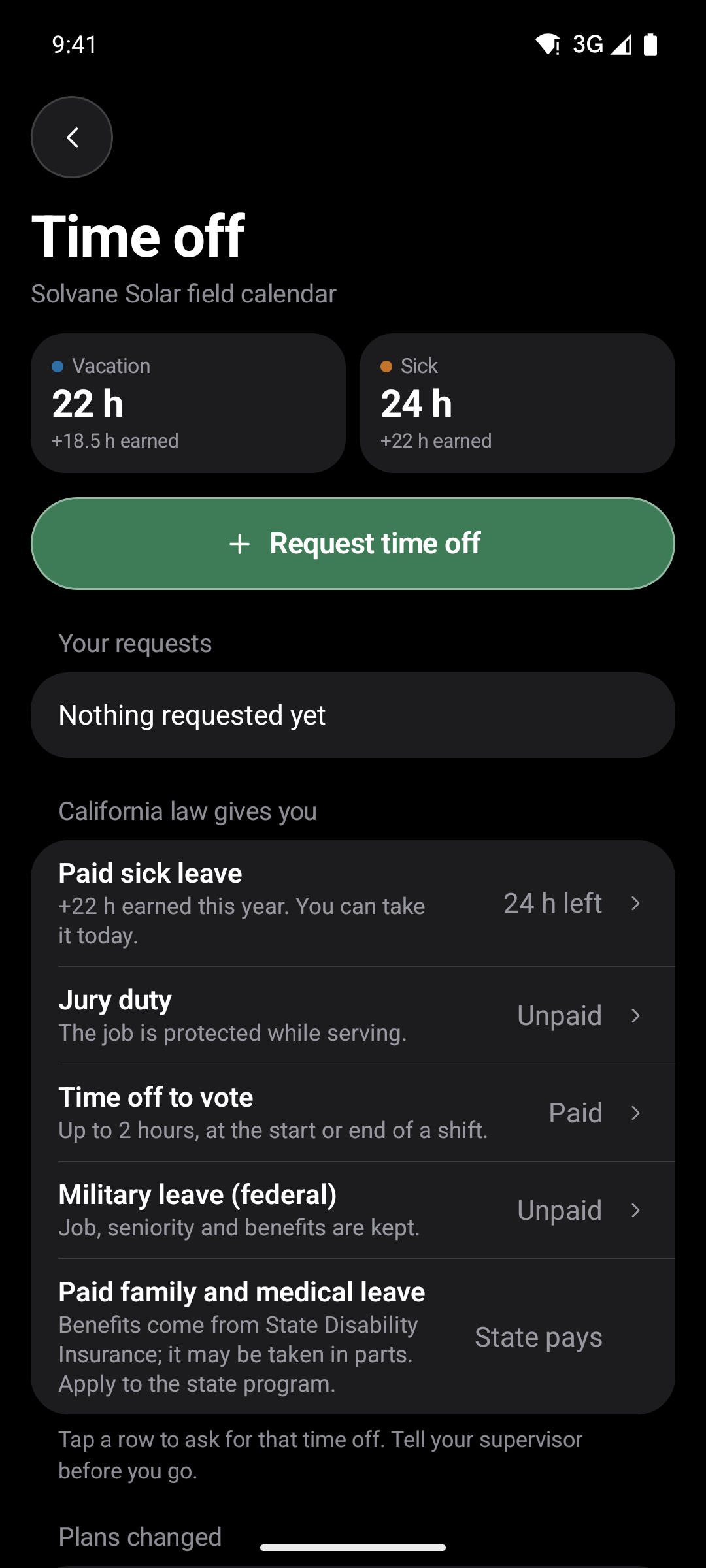
See timesheetsWhat is left, what was earned this year, and the request on the same screen.
See time off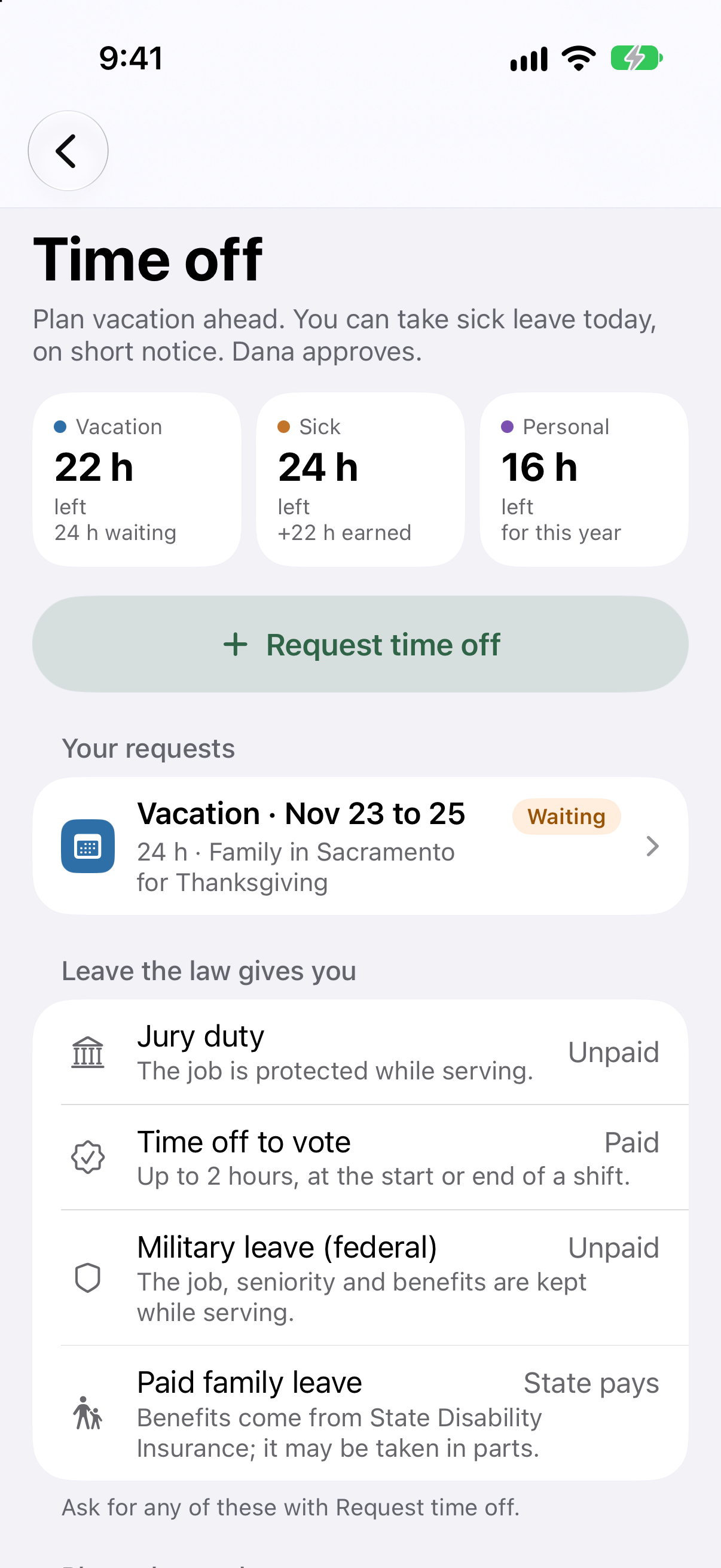
Each person picks from the jobs they are on, so hours land on the right project.
The invite email carries a code for each phone. Using one cancels both, and the person checks their own details before they are in.
After the first sign‑in the app opens with Face ID or the passcode, and the sign‑in stays on this phone only.After the first sign‑in the app opens with the phone's fingerprint or face unlock, and the sign‑in stays on this phone only.
On the Field plan, punches are saved on the phone first with their own time, then sent when there is signal again. They are never counted twice.
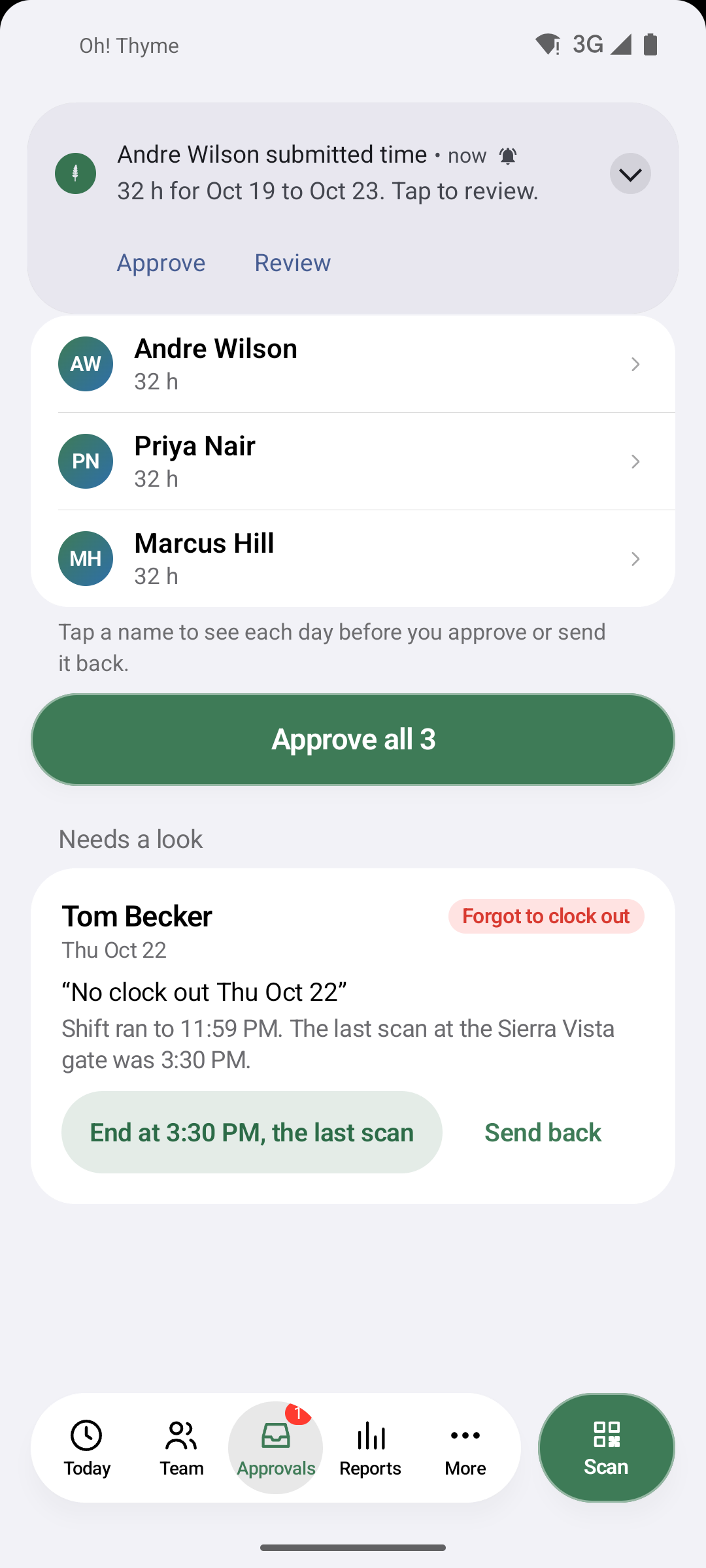
When someone submits time, the supervisor's phone says who and how many hours. Approve works right from it, without opening the app.
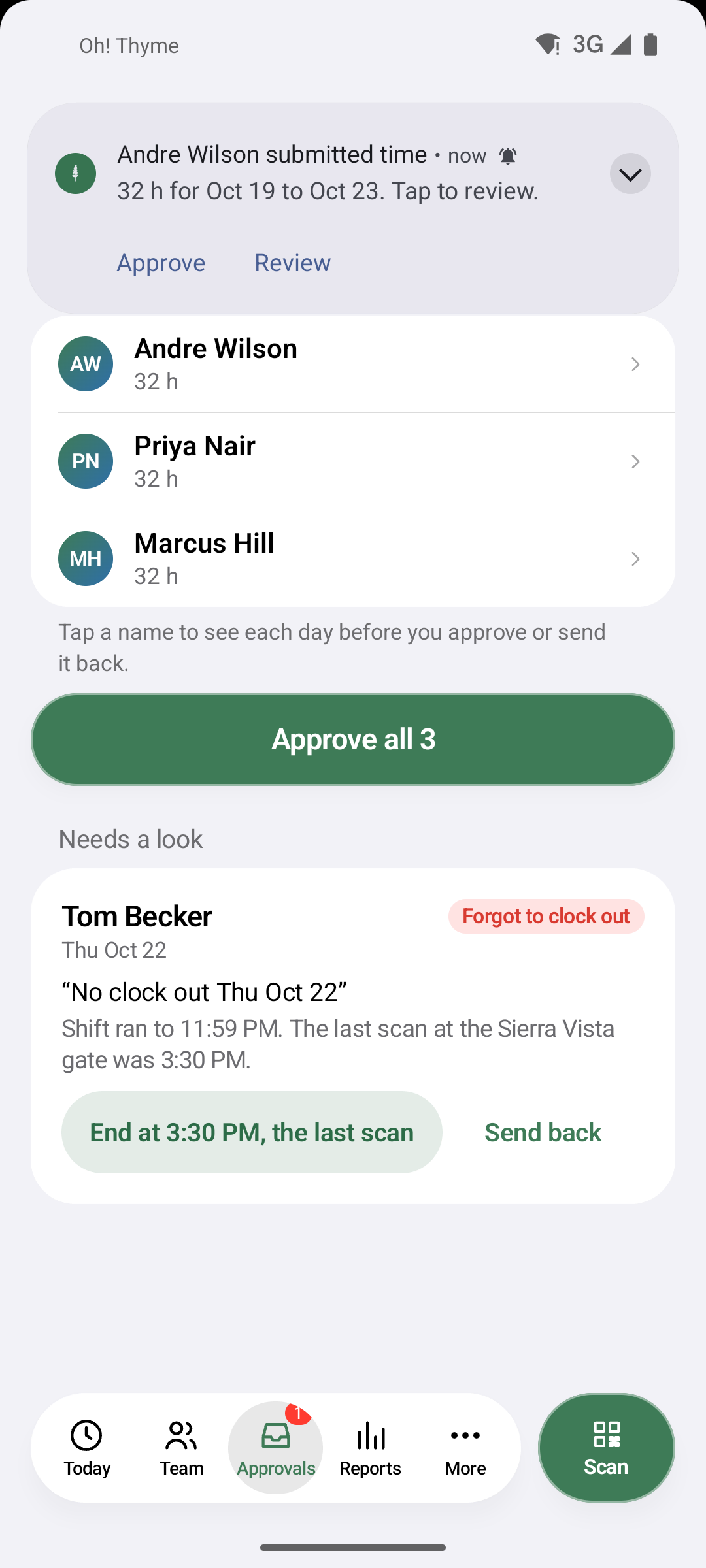
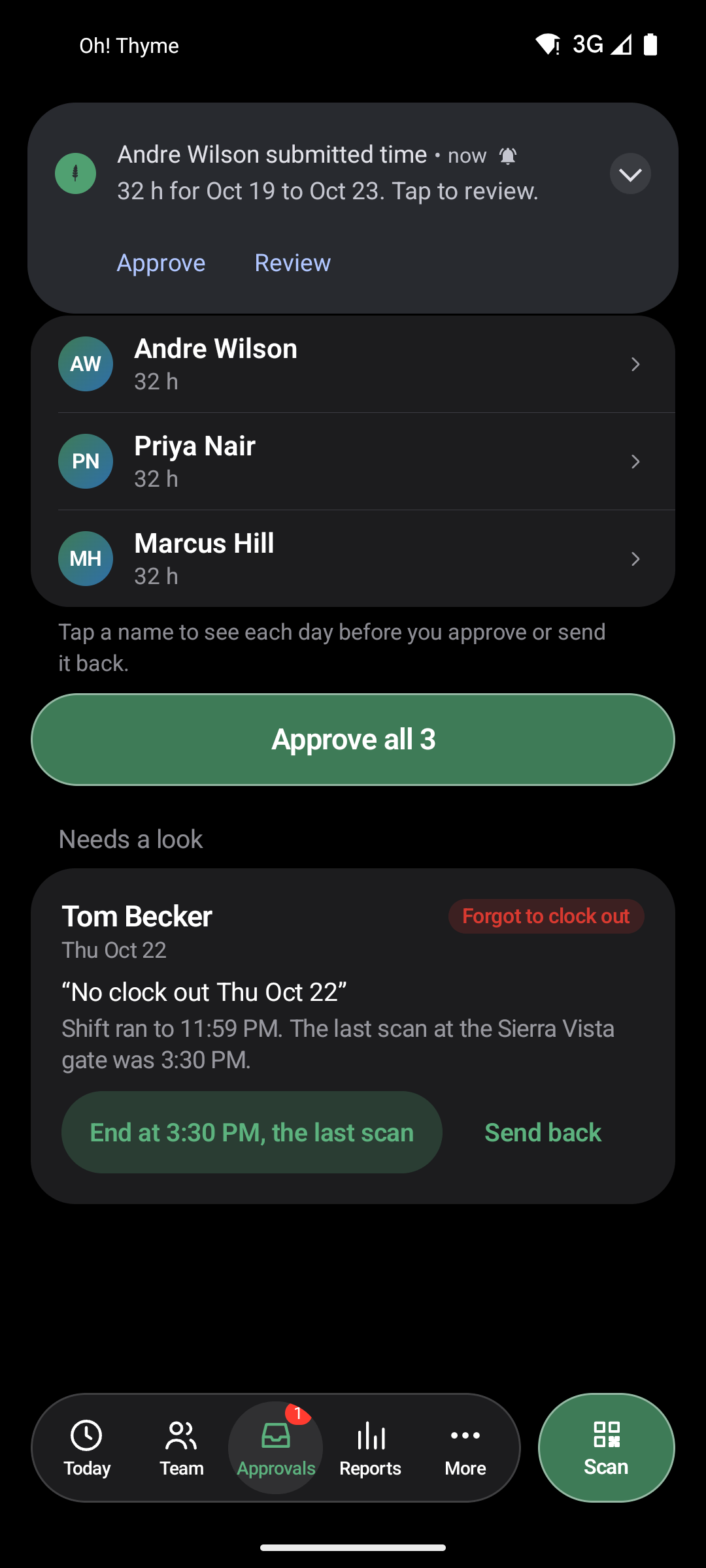
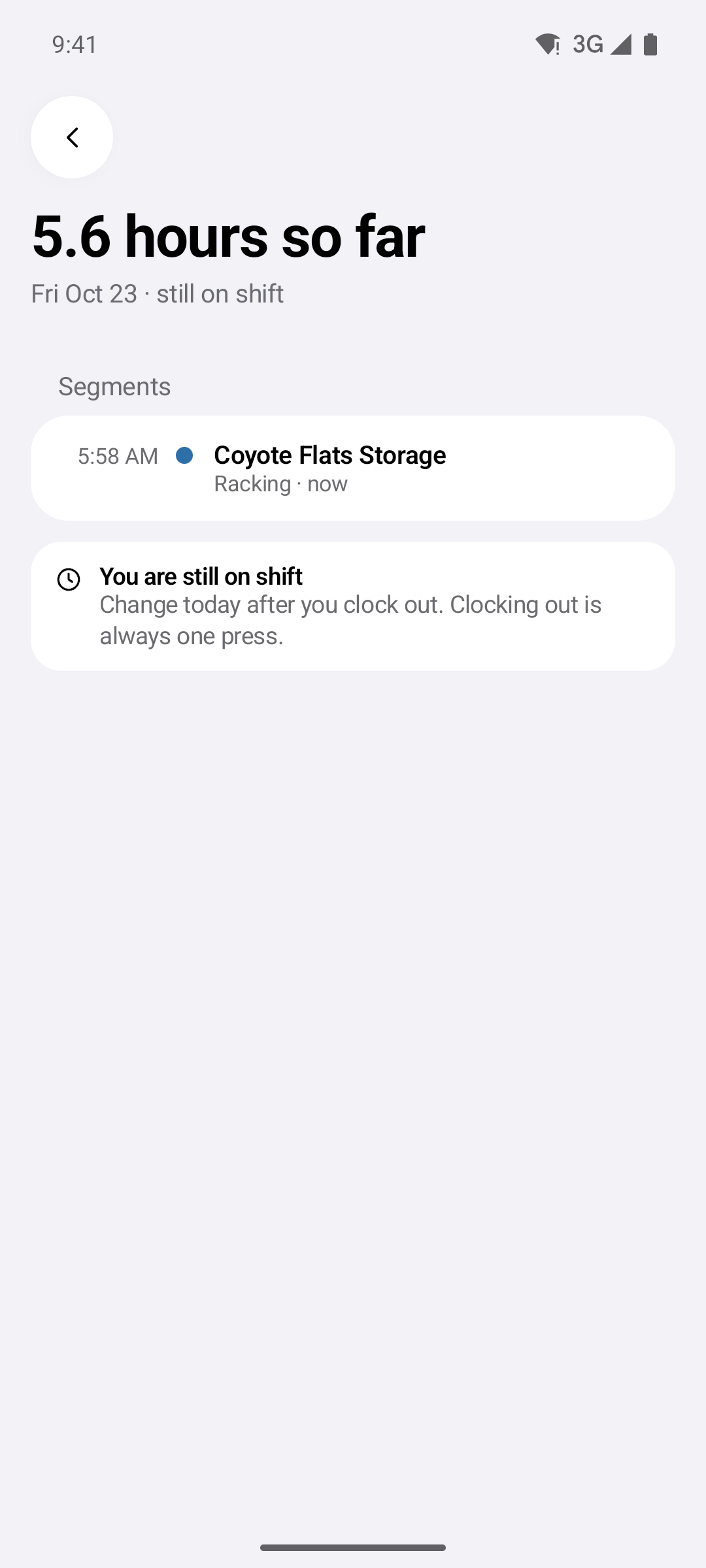
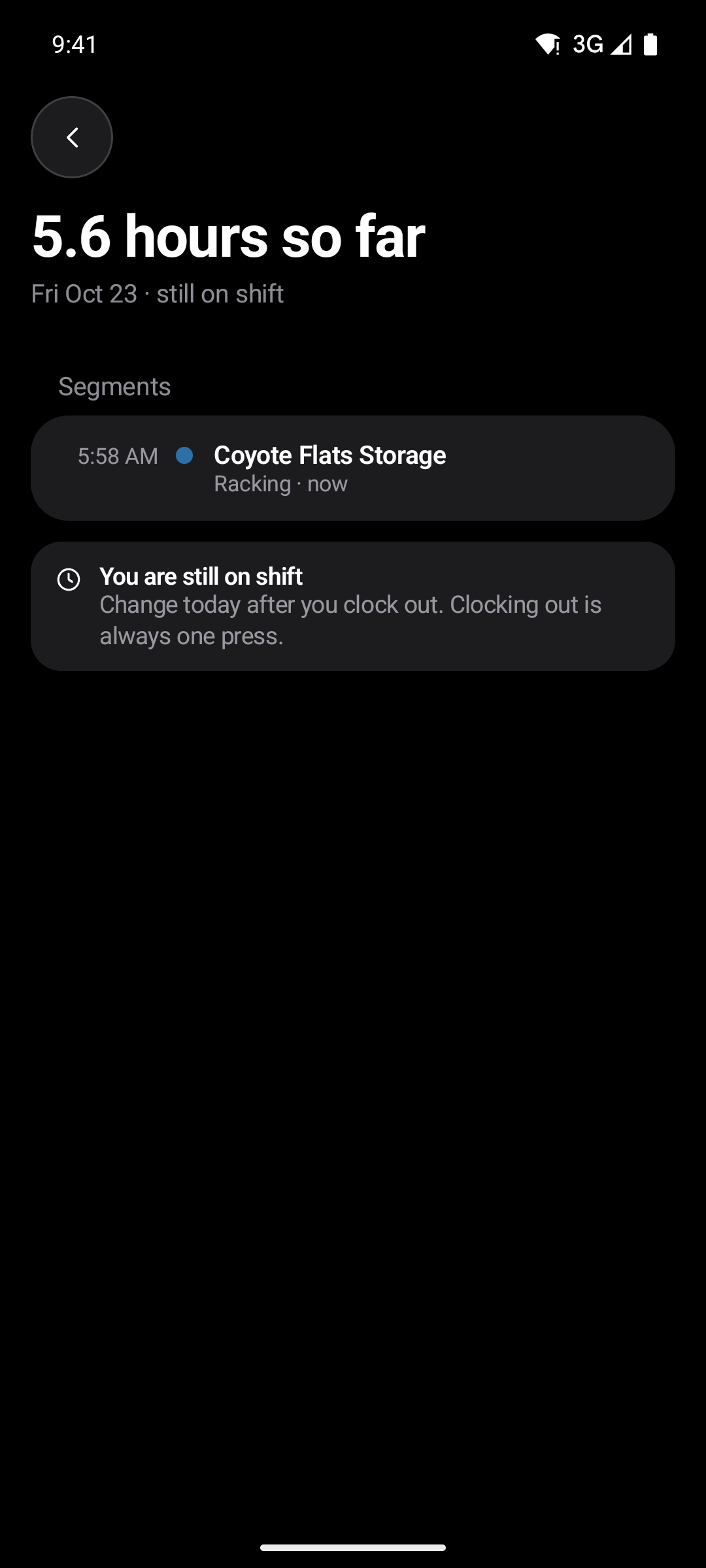
Shown on Android.
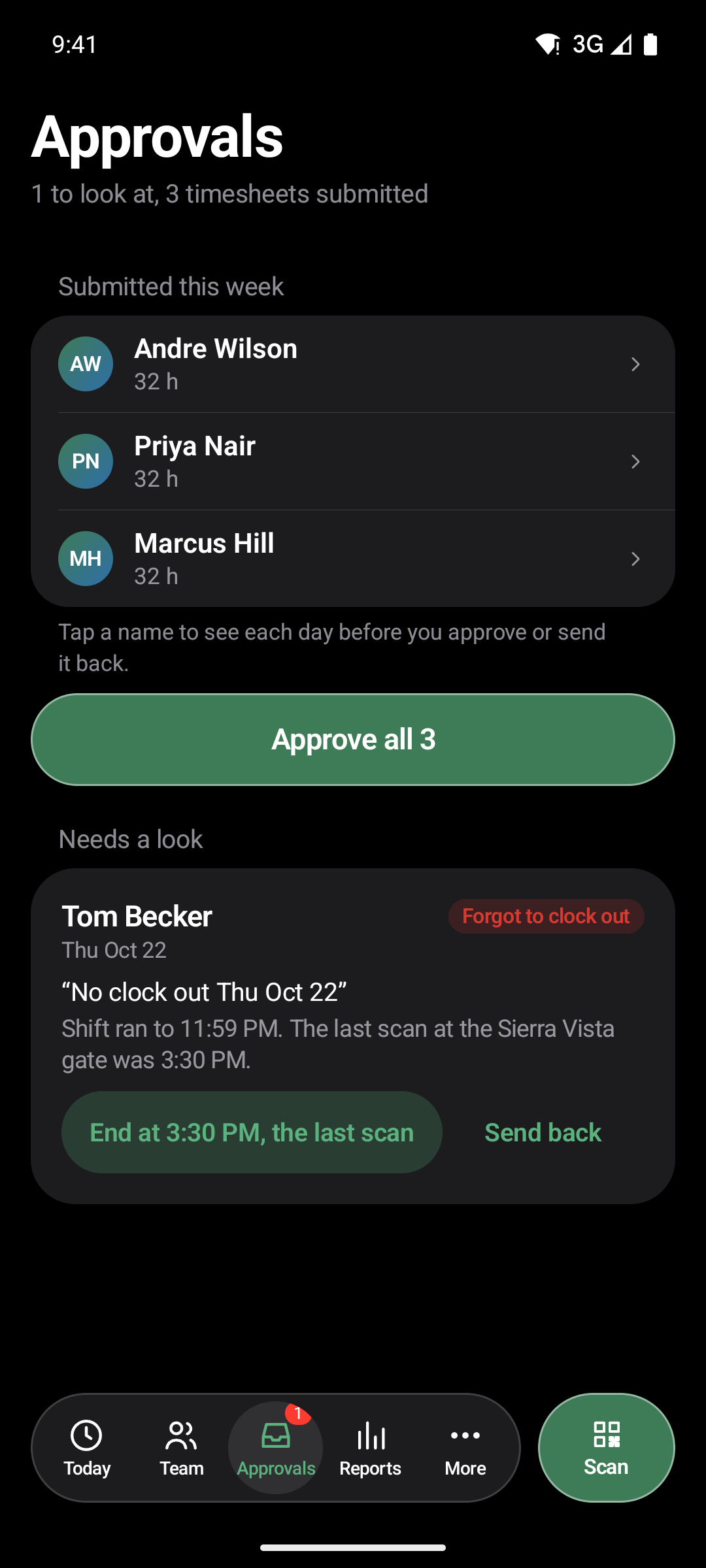
Clean weeks approve together. A forgotten clock‑out or a late meal is listed first, with what to check.
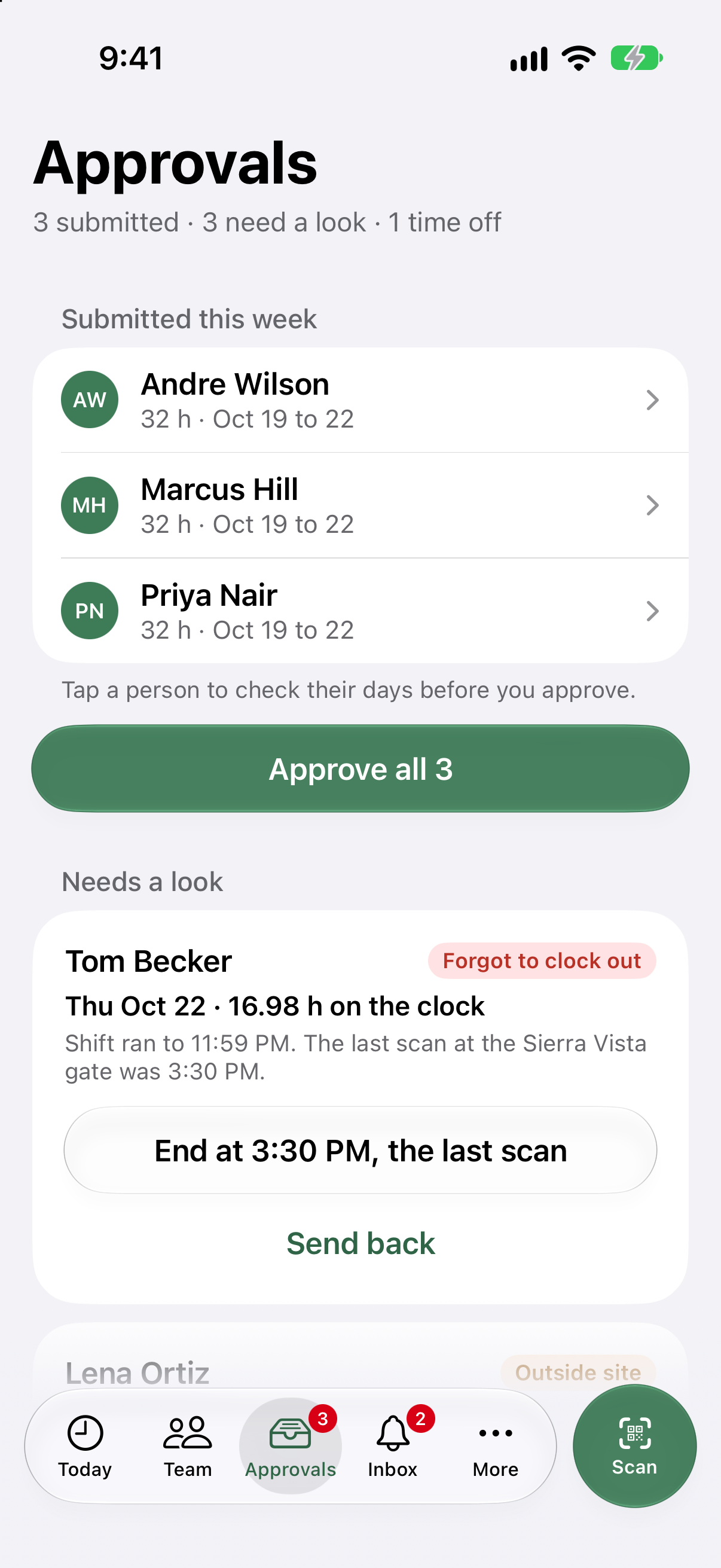
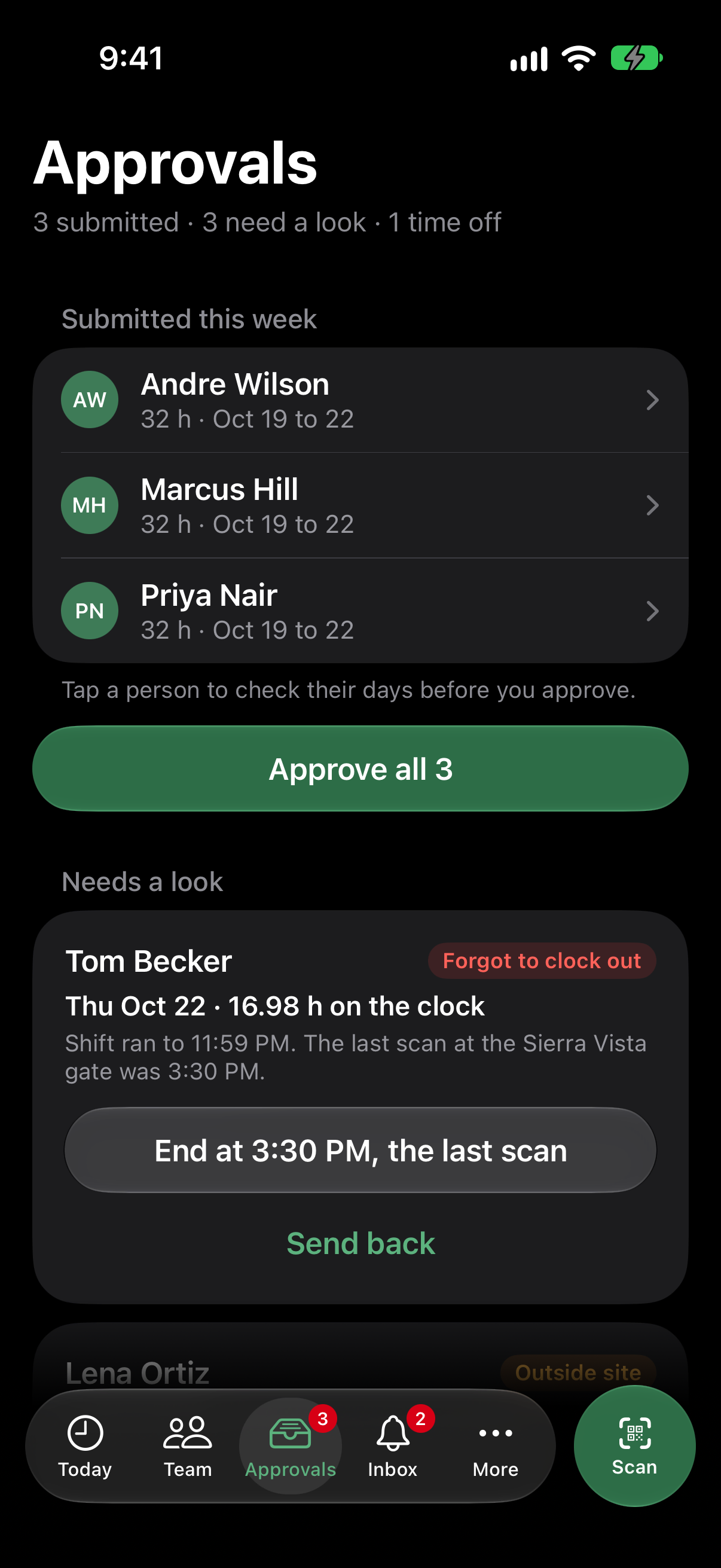
iPhones on iOS 18.6 or later, and Android phones on Android 8.0 or later.
An admin invites each person. The email carries one code for iPhone and one for Android, and the first one used signs them in.
No. The phone reads its location only when someone clocks in, changes project or clocks out, and never in the background.
On the Field plan, the punch is saved on the phone with the time it was made, and sent when the phone is back online. It is never counted twice. On Essentials the app says there is no signal and asks you to try again.
Open the sample company as a technician, or book a walkthrough with your own sites.